Replacing CRUs 17
Replacing CRUs
Before replacing CRUs
Customer Replaceable Units (CRUs) are computer parts that a user can upgrade or replace. There are two
types of CRUs: self-service and optional-service.
To check the locations of CRUs, see
CRUs and FRUs locations.
Attention
Do not open your computer or attempt any repairs before reading the Important
Product Information Guide.
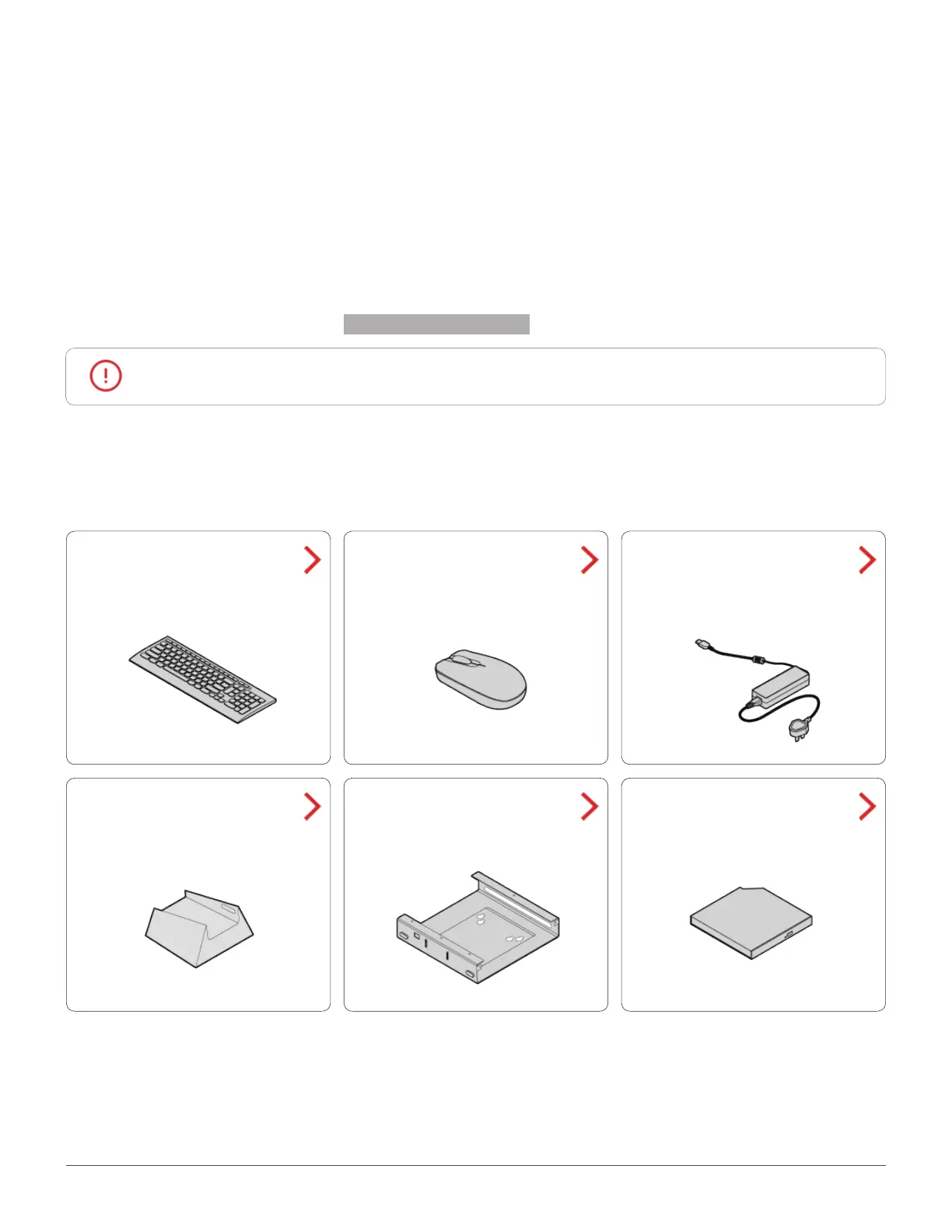
Before replacing a CRU, click the illustration of the part to check the brief procedures.
Keyboard or wireless
keyboard
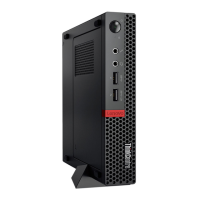
Vertical stand
Power adapter
External optical drive
Mouse or wireless
mouse
VESA mount bracket


 To Next Page