Readthisrst
Besuretofollowtheimportanttipsgivenheretocontinuetogetthemostuseandenjoymentoutofyour
computer.Failuretodosomightleadtodiscomfortorinjury,orcauseyourcomputertofail.
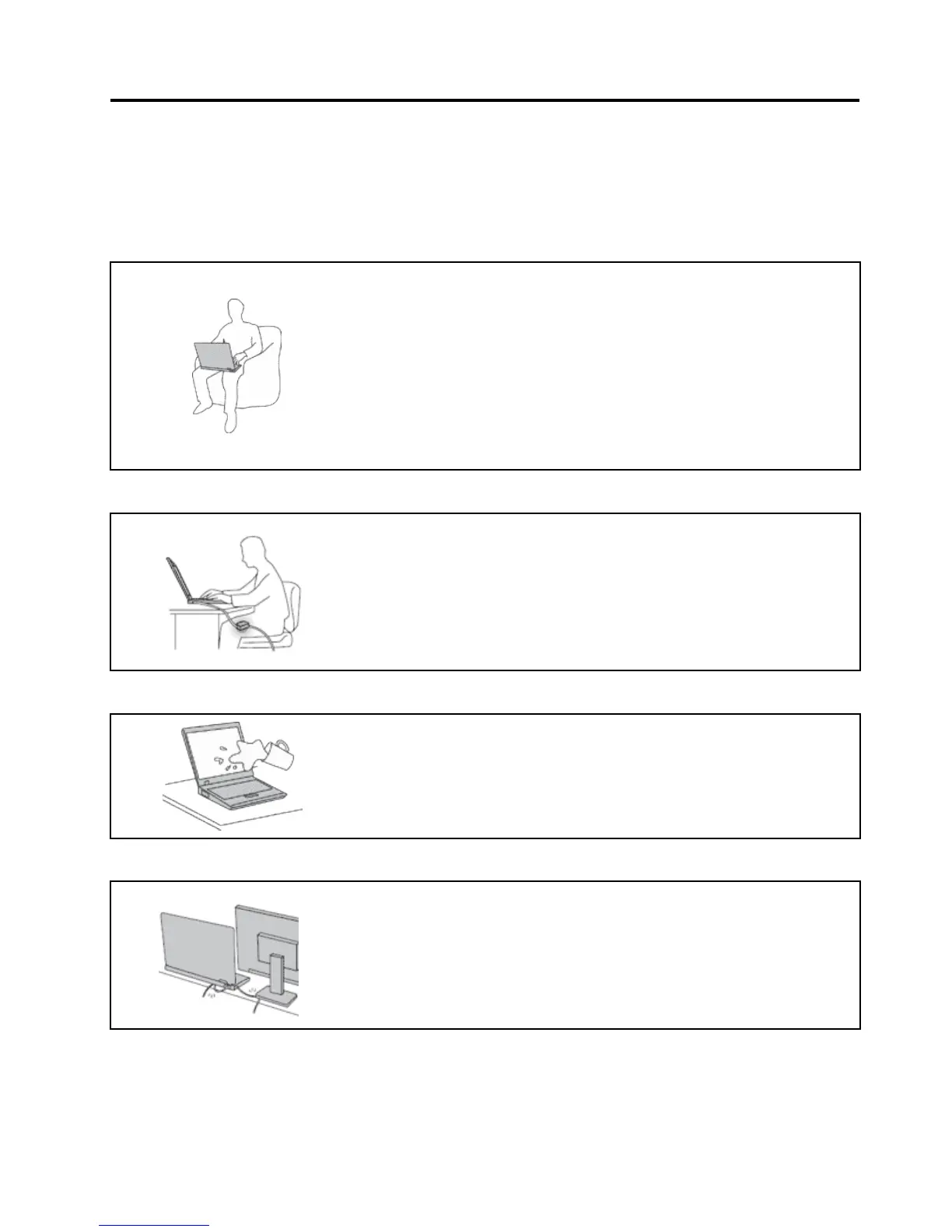
Protectyourselffromtheheatthatyourcomputergenerates.
Whenyourcomputeristurnedonorthebatteryischarging,thebase,the
palmrest,andsomeotherpartsmaybecomehot.Thetemperaturethey
reachdependsontheamountofsystemactivityandthelevelofchargein
thebattery.
Extendedcontactwithyourbody,eventhroughclothing,couldcause
discomfortorevenaskinburn.
•Avoidkeepingyourhands,yourlap,oranyotherpartofyourbodyin
contactwithahotsectionofthecomputerforanyextendedtime.
•Periodicallytakehandsfromusingthekeyboardbyliftingyourhandsfrom
thepalmrest.
Protectyourselffromtheheatgeneratedbytheacpoweradapter.
Whentheacpoweradapterisconnectedtoanelectricaloutletandyour
computer,itgeneratesheat.
Extendedcontactwithyourbody,eventhroughclothing,maycauseaskin
burn.
•Toavoidspillsandthedangerofelectricalshock,keepliquidsawayfrom
yourcomputer.
•Neveruseittowarmyourbody.
Preventyourcomputerfromgettingwet.
•Toavoidspillsandthedangerofelectricalshock,keepliquidsawayfrom
yourcomputer.
Protectthecablesfrombeingdamaged.
Applyingstrongforcetocablesmaydamageorbreakthem.
•Routecommunicationlines,orthecablesofanacpoweradapter,amouse,a
keyboard,aprinter,oranyotherelectronicdevice,sothattheycannotbe
walkedon,trippedover,pinchedbyyourcomputerorotherobjects,orin
anywaysubjectedtotreatmentthatcouldinterferewiththeoperationof
yourcomputer.
©CopyrightLenovo2011
v















 To Next Page