3.Disconnecttheoldkeyboardcableormousecablefromthecomputer.
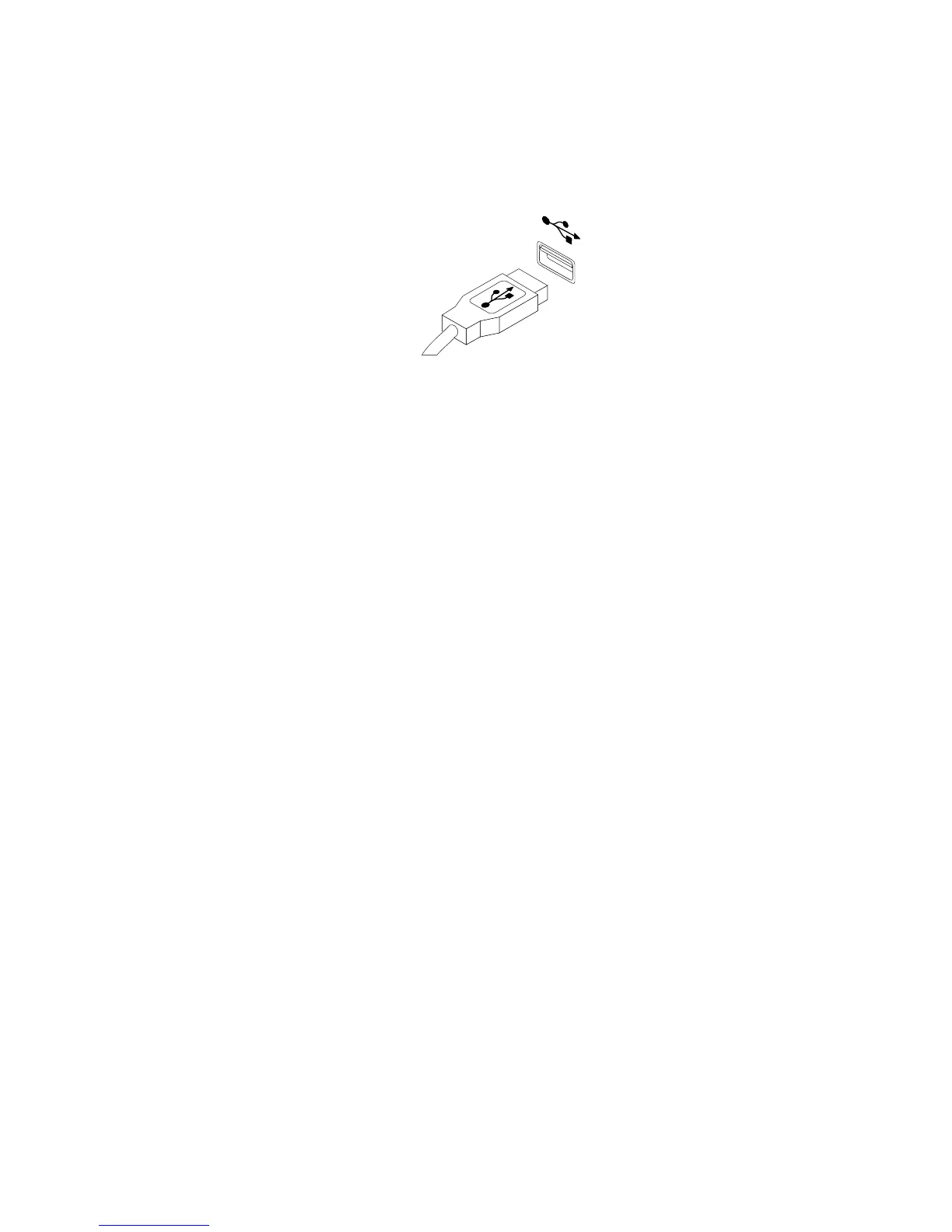
4.ConnectanewkeyboardormousetooneoftheUSBconnectorsonthecomputer.Dependingon
whereyouwanttoconnectthenewkeyboardormouse,see“Locatingcontrolsandconnectorsonthe
frontofyourcomputer”onpage6or“Locatingconnectorsontherearofyourcomputer”onpage7.
Figure33.ConnectingtheUSBkeyboardormouse
Whattodonext:
•Toworkwithanotherpieceofhardware,gototheappropriatesection.
•Tocompletetheinstallationorreplacement,goto“Completingthepartsreplacement”onpage37.
Completingthepartsreplacement
Aftercompletingtheinstallationorreplacementforallparts,youneedtoreinstallthecomputercover
andreconnectcables.
Toreinstallthecomputercoverandreconnectcables,dothefollowing:
1.Makesurethatallcomponentshavebeenreassembledcorrectlyandthatnotoolsorloosescrews
areleftinsideyourcomputer.See“Locatingcomponents”onpage8forthelocationsofvarious
componentsinyourcomputer.
2.Makesurethatthecablesareroutedcorrectlybeforereinstallingthecomputercover.Keepcablesclear
ofthehingesandsidesofthecomputerchassistoavoidinterferencewithreinstallingthecomputer
cover.
3.Reinstallthefrontbezelifyouhaveremovedit.See“Removingandreinstallingthefrontbezel”on
page14.
4.ReinstallthePCIcardholderifyouhaveremovedit.See“RemovingandreinstallingthePCIcard
holder”onpage15.
Chapter2.Installingorreplacinghardware37



 To Next Page
 Loading...












