Chapter 1. Meet your computer
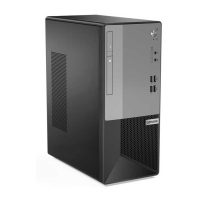
Front
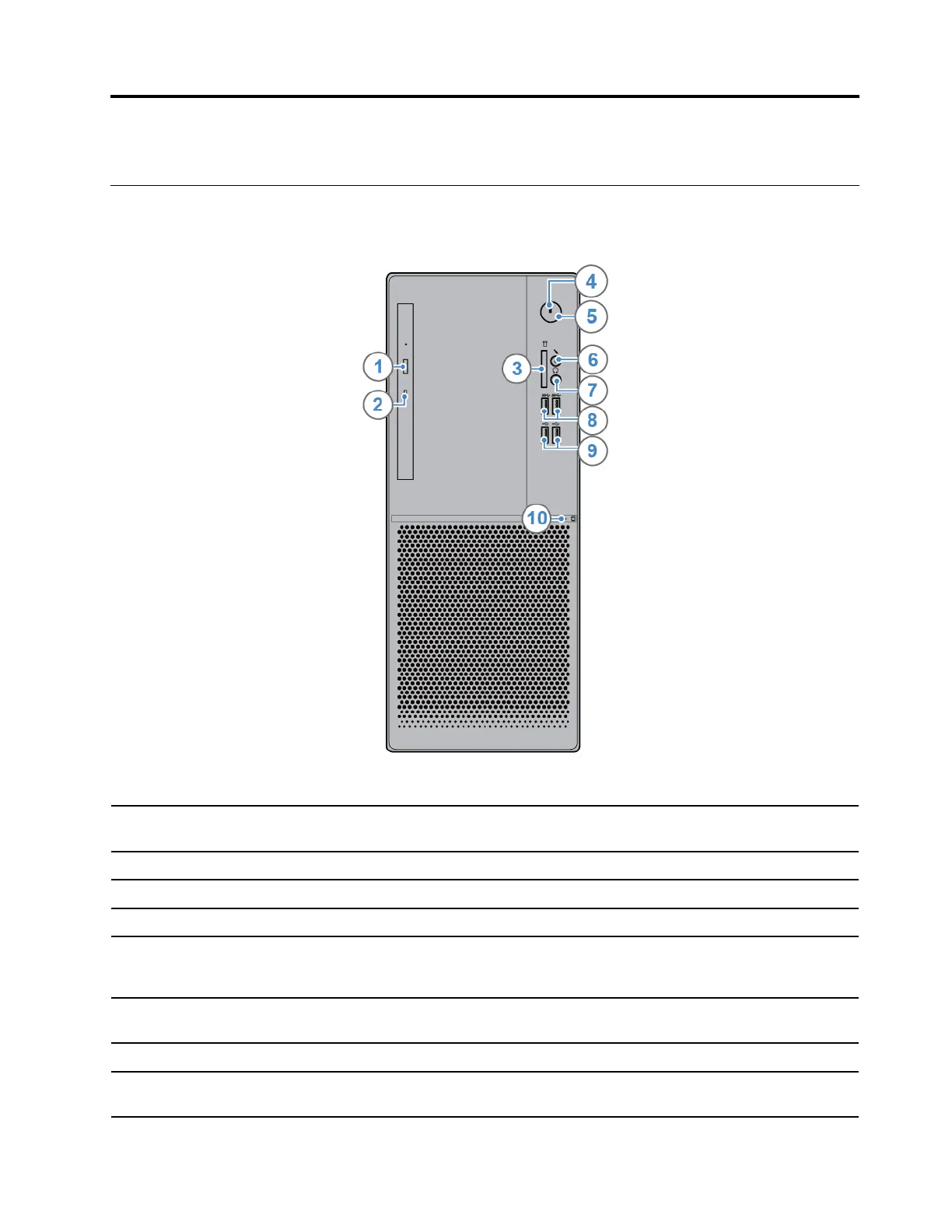
1. Optical drive eject button*
Used to eject the tray of the optical drive. After you insert a disc into the tray, push
the tray backward to close it.
2. Optical drive status indicator* This indicator is on when the optical drive is in use.
3. Card reader slot*
Used to read data from a supported memory card.
4. Power indicator
This indicator is on when the computer is on.
5. Power button
Used to turn on your computer. When you cannot shut down the computer from
the operating system, press and hold the power button for four or more seconds
to turn off the computer.
6. Microphone connector
Used to connect a microphone to your computer. You can use the microphone to
record sounds or interact with the computer using speech-recognition software.
7. Headphone connector Used to connect headphones to your computer.
8. USB 3.1 connectors Gen 1 (2)
Used to connect a USB-compatible device, such as a USB keyboard, USB
mouse, USB storage device, or USB printer.
© Copyright Lenovo 2019 1


 To Next Page