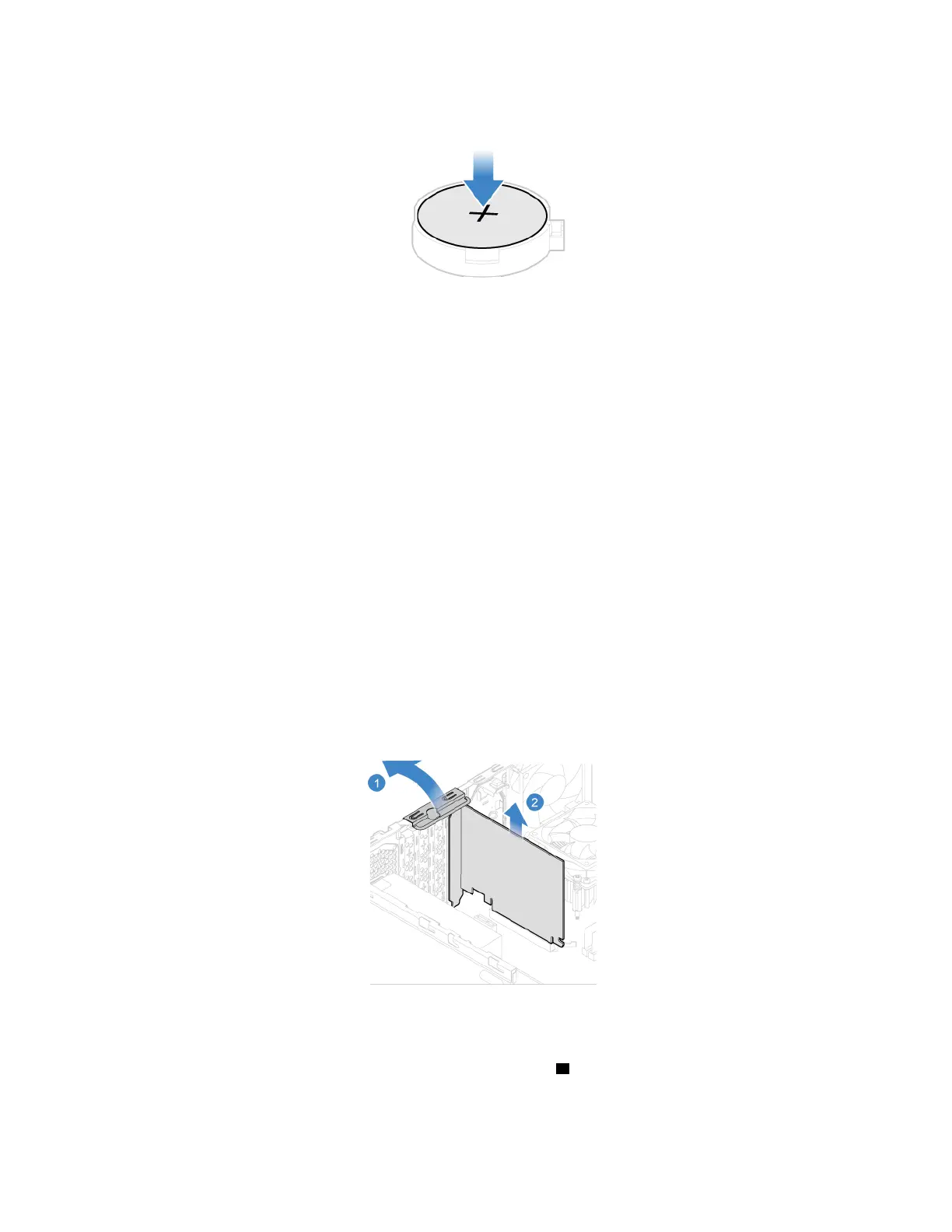
6. Reinstall all removed parts. Then, reconnect the power cord and all disconnected cables to the
computer.
PCI Express card
Prerequisite
Before you start, read Appendix A “Important safety information” on page 79 and print the following
instructions.
Replacement procedure
1. Remove the computer cover. See “Computer cover” on page 42.
2. Remove the front bezel. See “Front bezel” on page 43.
3. Pivot the drive bay assembly upward. See “Drive bay assembly” on page 49.
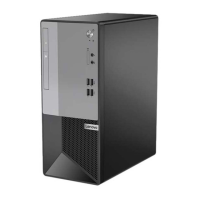
4. Remove a PCI Express card.
Note: If the card is held in place by a retaining latch, press the 1 latch as shown to disengage the latch.
Then, gently remove the card from the slot.
60
Lenovo V55t-15API User Guide


 To Next Page