EasyManua.ls Logo

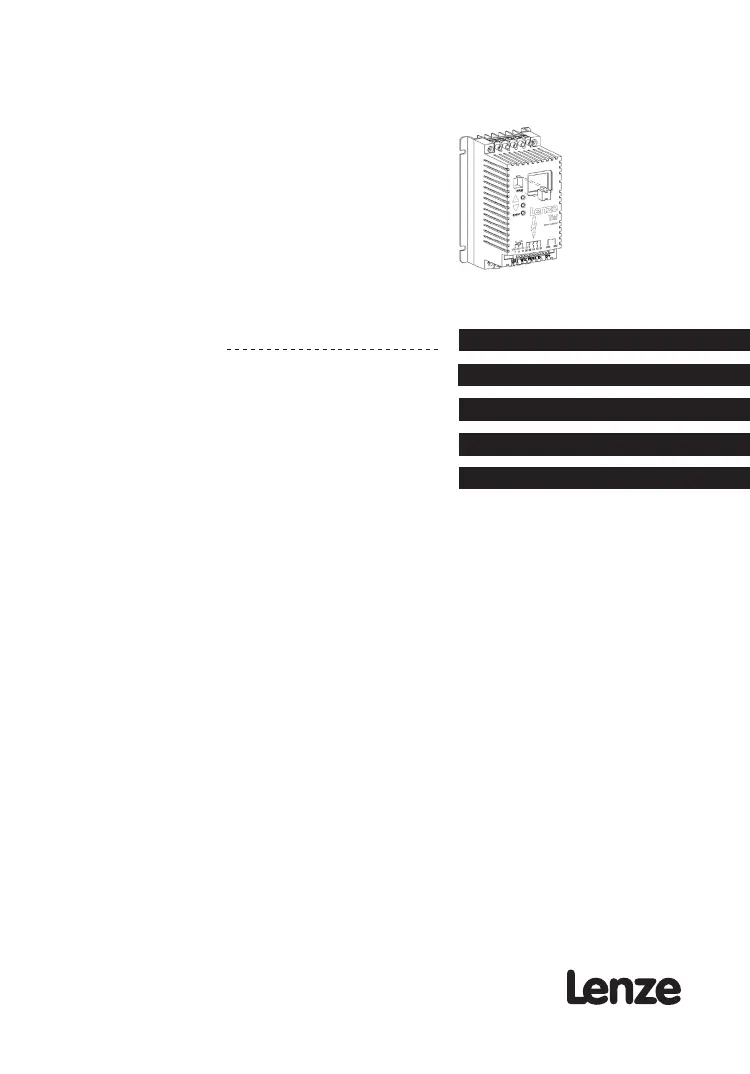
Lenze TML - User Manual

Lenze TML
124 pages
Print Icon
To Next Page IconTo Next Page
Loading...
Instructions de mise en service FR
TML
(13466187)
Flux Vector Drive
0.25 kW... 2.2 kW
Betriebsanleitung DE
Istruzioni operative IT
Instrucciones para el servicio ES
Operating Instructions EN

Table of Contents

Questions and Answers

  • D
    Danielle BlevinsSep 8, 2025
    How to solve Identification fault on Lenze TML?
    • C
      christy40Sep 8, 2025
      An identification fault on your Lenze Media Converter means the C93 value stored on the EPM does not match the controller model. Use an EPM providing valid data or load a Lenze setting.
  • B
    Brian HernandezSep 6, 2025
    What to do if Lenze TML shows DC-injection brake active?
    • R
      Ronald RosalesSep 7, 2025
      If the DC-injection brake is active on your Lenze Media Converter, it was likely activated via digital input or automatically. Deactivate the DC-injection brake by setting the digital input to LOW, or it will deactivate automatically after the holding time c06 has expired.
  • H
    holly14Aug 22, 2025
    Why does my Lenze TML show short-circuit or overload?
    • P
      Phillip Huynh DDSAug 22, 2025
      A short-circuit or overload in your Lenze Media Converter can occur due to several reasons: * A short-circuit (find the reason and check the motor cable). * Excessive capacitive charging current of the motor cable (use shorter motor cables). * Acceleration time too short (increase acceleration time and check controller selection). * Defective motor cable (check wiring). * Internal fault in motor (check motor). * Frequent and long overload (check controller selection).
  • D
    Dominique BoydSep 4, 2025
    What to do if Lenze TML shows no access to code?
    • P
      Patricia SimmonsSep 4, 2025
      If you have no access to the code on your Lenze Media Converter, it can only be changed when the controller is in OFF or 1nh. Set terminal 28 to LOW.
  • J
    Joseph ParkSep 3, 2025
    How to fix Lenze TML dynamic braking fault?
    • B
      Bruce SimsSep 3, 2025
      A dynamic braking fault in your Lenze Media Converter indicates that the dynamic braking resistors are overheating. Increase the deceleration time.
  • A
    Angelica PughSep 1, 2025
    What to do if Lenze TML Media Converter output frequency is 0 Hz (outputs U, V, W inhibited)?
    • M
      Mark CampbellSep 2, 2025
      If the output frequency of your Lenze Media Converter is 0 Hz and the outputs U, V, W are inhibited, it could be due to the quick stop function being activated through a digital input. Deactivate the quick stop.
  • W
    wbarnettAug 31, 2025
    Why is my Lenze TML Media Converter inhibited (outputs U, V, W inhibited)?
    • A
      Aaron SmithAug 31, 2025
      If the outputs U, V, W are inhibited on your Lenze Media Converter, it might be because the controller is set up for a remote keypad. Try starting the controller via the remote keypad.
  • H
    Haley CalderonAug 30, 2025
    Why is Lenze Media Converter showing controller overtemperature?
    • B
      Brandon ThompsonAug 30, 2025
      If your Lenze Media Converter displays a controller overtemperature warning, it means the controller is too hot inside. Reduce the controller load or improve cooling.
  • C
    Christopher ArmstrongAug 28, 2025
    What causes motor overload (I2t overload) in Lenze Media Converter?
    • M
      Mark HolmesAug 28, 2025
      Motor overload (I2t overload) in your Lenze Media Converter happens when the motor is thermally overloaded due to impermissible continuous current or frequent/long acceleration processes. Check the controller selection and the setting of c20.
  • C
    conniecainAug 27, 2025
    Why is there undervoltage on DC bus in Lenze Media Converter?
    • B
      Bradley FitzgeraldAug 27, 2025
      Undervoltage on the DC bus of your Lenze Media Converter typically occurs because the mains voltage is too low. Check the mains voltage.

Summary

About These Instructions

Safety Information

Pictographs Used in Instructions

Explanation of safety pictographs used in the manual and their corresponding meanings.

General Safety and Application

General safety rules, intended use, and compliance with directives for drive controllers.

Installation and Electrical Safety

Safety measures for handling, installation, and electrical connection of the drive.

Operation Safety

Safety guidelines and warnings for operating the drive controller, including capacitor discharge and covers.

Technical Data

Standards and Application Conditions

Specifies conformity, approvals, and environmental conditions for the drive.

Ratings

Details electrical ratings for different drive models, including input and output current.

Installation

Mechanical Installation

Covers physical dimensions, mounting instructions, and environmental considerations for installation.

Electrical Installation

Details requirements for electrical connections, EMC compliance, and wiring.

Fuses and Cable Cross-sections

Specifies fuse types and cable cross-sections for EN 60204-1 and UL installations.

Connection Diagram

Provides a wiring diagram showing power and control connections for the drive.

Control Terminals

Lists and explains the function of each control terminal for input and output signals.

Commissioning

Parameter Setting Overview

Overview of how to set drive parameters using the keypad or EPM.

Electronic Programming Module (EPM)

Information on the EPM for storing parameter settings and optional EPM programmers.

Parameter Menu Structure

Detailed explanation of the parameter menu structure and common parameter settings.

Vector Mode Selection

Procedures for selecting Vector mode or Enhanced V/Hz mode for motor control.

Troubleshooting and Fault Elimination

Status and Error Message Interpretation

Explains status indicators and error codes displayed by the drive.

Error Causes and Remedies

Lists common errors, their causes, and recommended solutions for troubleshooting.

Specific Faults and Notes

Details specific fault codes, their causes, and troubleshooting steps, including UL508C notes.

Lenze TML Specifications

General IconGeneral
BrandLenze
ModelTML
CategoryMedia Converter
LanguageEnglish