LPC 48 / 96 Users Manual
Page
109
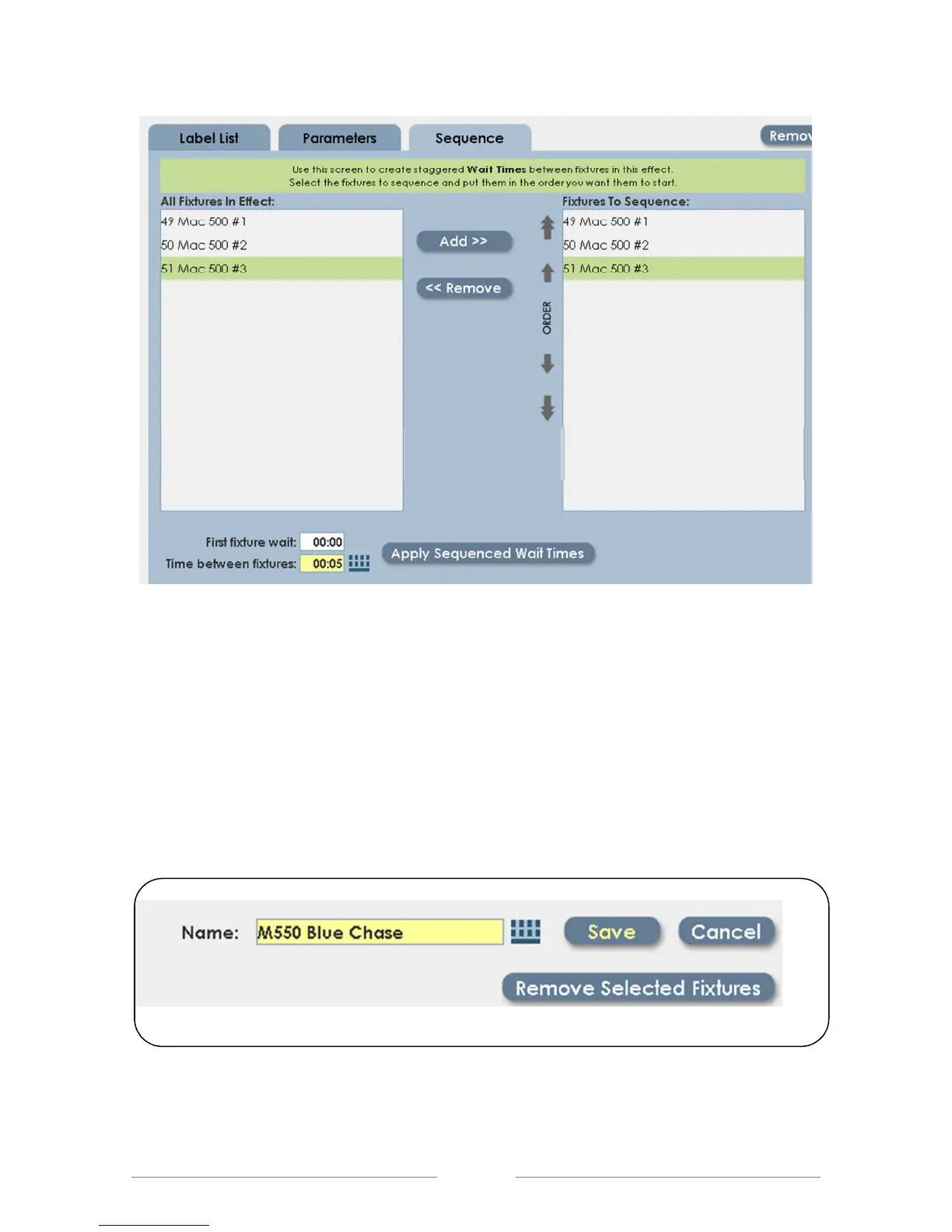
• Enter the Wait time for the first fixture, and the time between fixtures.
• Click on ‘Apply Sequenced Wait Times’. When the effect is started , the
fixtures will start the effect one at a time, based on the applied ‘wait’ times.
• When finished, name the effect. Referencing the fixtures in the effect is a
good idea; making it easier to choose it later from a list.
• Save the effect.



 To Next Page