LPC 48 / 96 Users Manual
Page 99
10.4 Save Submaster or Cue
• Set Color, Beam and Position as previously described.
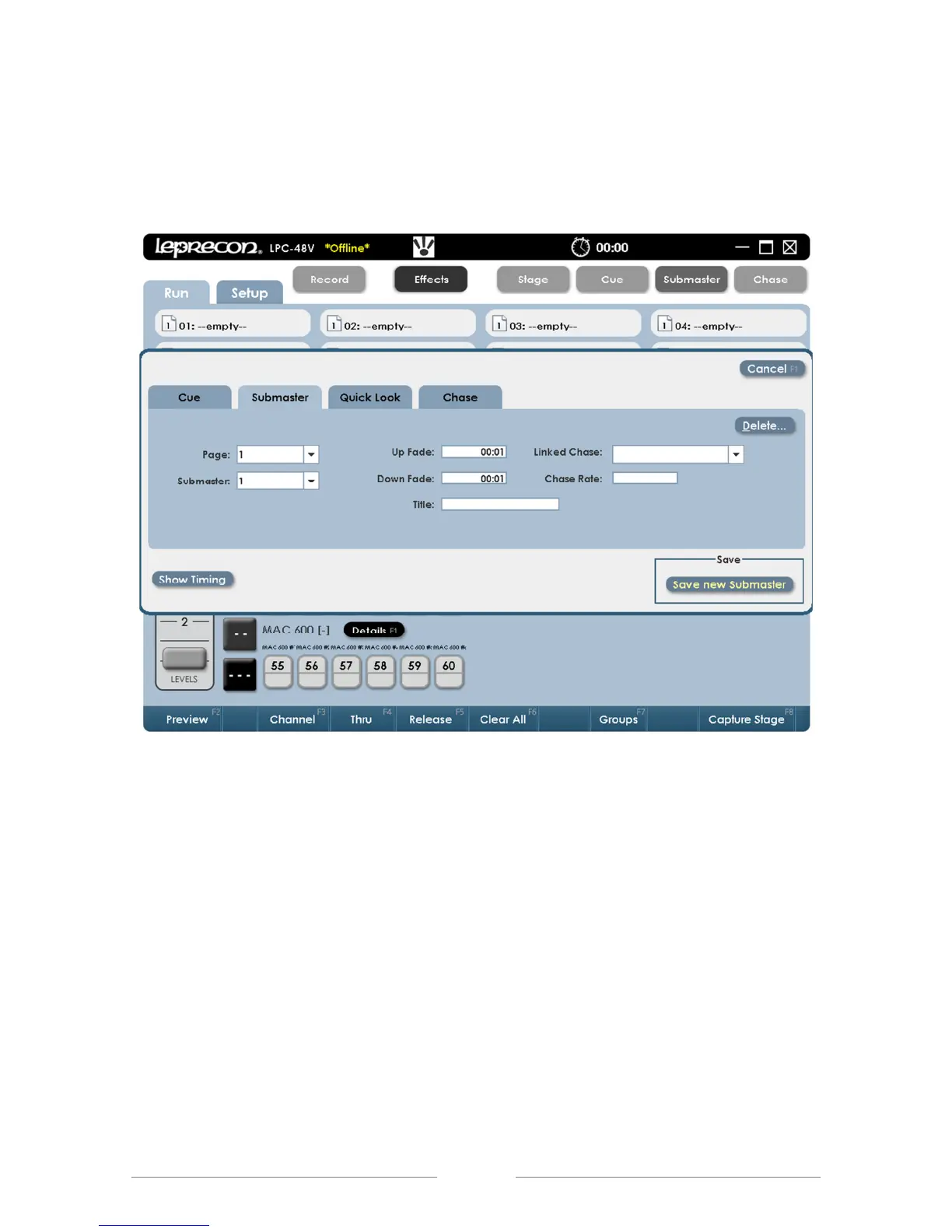
• Press or click the ‘Record’ button. The Record dialog box will open:
The submaster page and sub to be recorded are displayed in the dialog. The
destination can be changed to any valid page or submaster number.
• If the destination is correct, press the ‘Save’ (or enter) key to record the new
submaster.



 To Next Page