LPC 48 / 96 Users Manual
Page 28
3.11 Settings
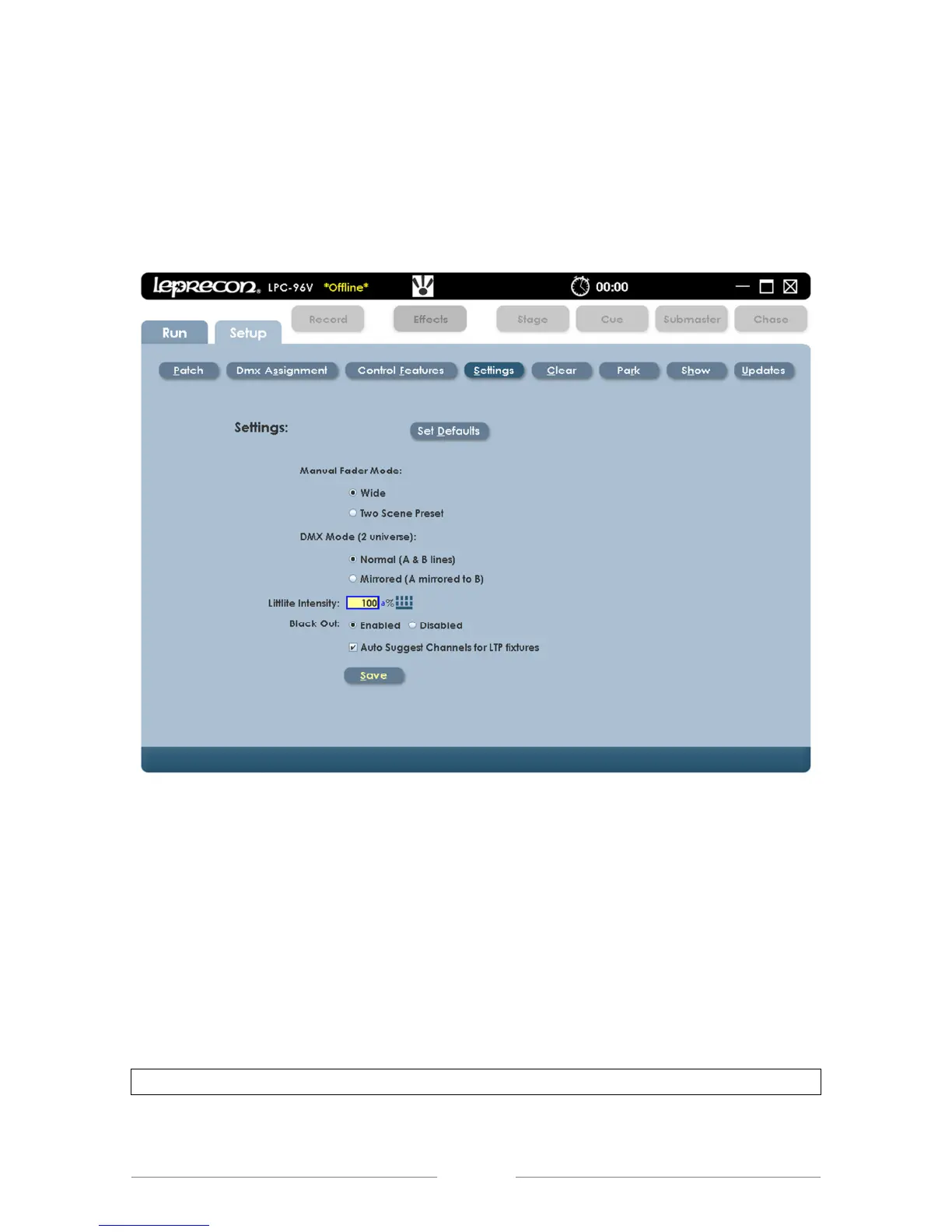
The Settings screen is where one can change the application of the console. The
manual fader operation, DMX output, Littlite® intensity, and Blackout enable can
be set in this screen, (See Figure 9).
Figure 9: Settings Screen
3.12 Manual Mode
This selects 2 scene preset, or wide mode for the manual faders, (See Figure 9).
Wide Mode – allows the upper and lower bank faders to be a single scene.
Two Scene Preset Mode – mixes between the upper and lower bank of
faders channels using the manual fader as control.
Note: This change can disrupt stage output, so is set as a configuration item.



 To Next Page