LPC 48 / 96 Users Manual
Page 75
9.1 Setting Intensity for Intelligent fixtures
If intelligent fixtures have Intensity assigned to board channels, you can use
faders, or the Channel key to select and set level for them. See section 8.1 –
DMX Assignment for more information about this option.
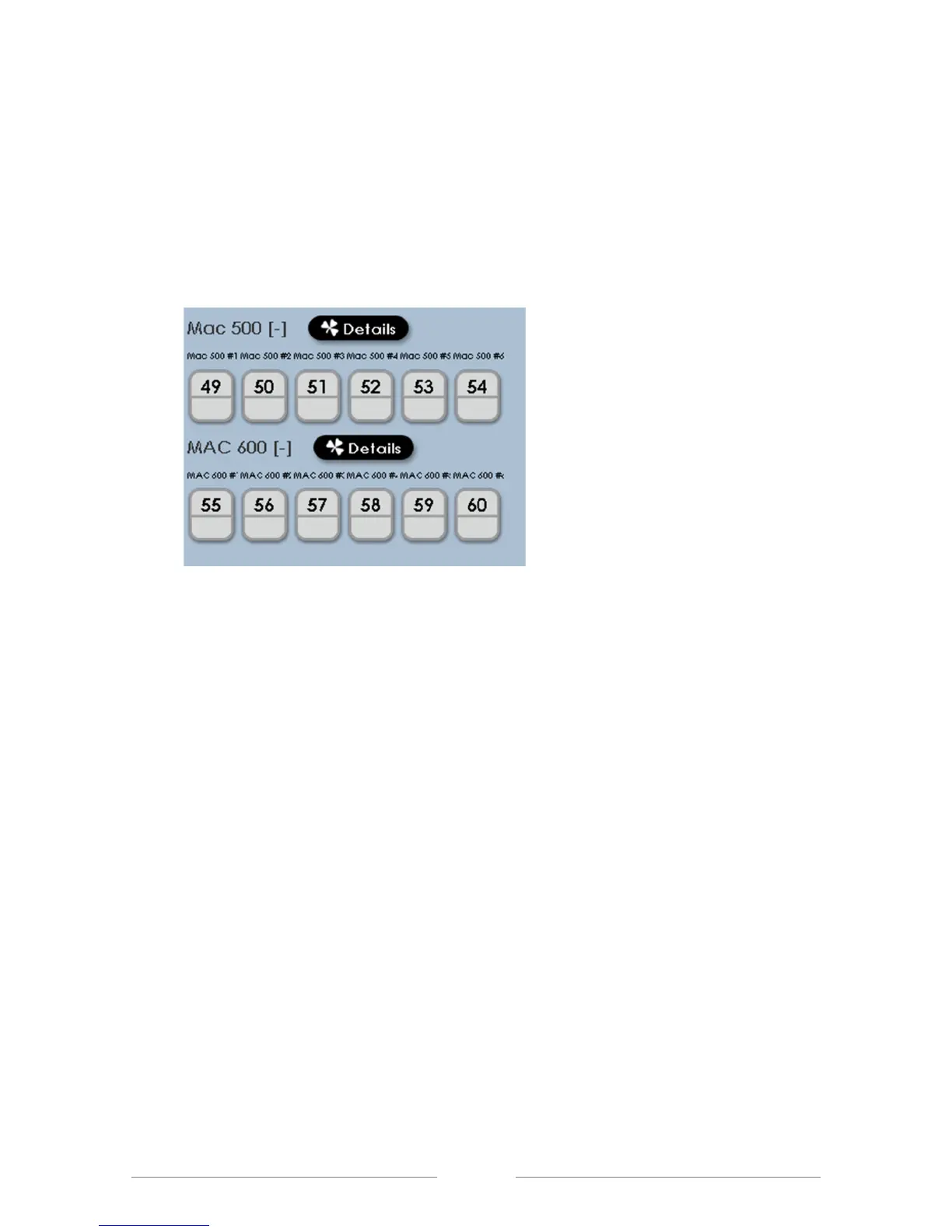
The fixtures in the illustration above were assigned with Intensity channels
mapped to board channels. In the case shown, board channels 49 through 60
are used to control the intensity of the intelligent fixtures.



 To Next Page