LPC 48 / 96 Users Manual
Page 76
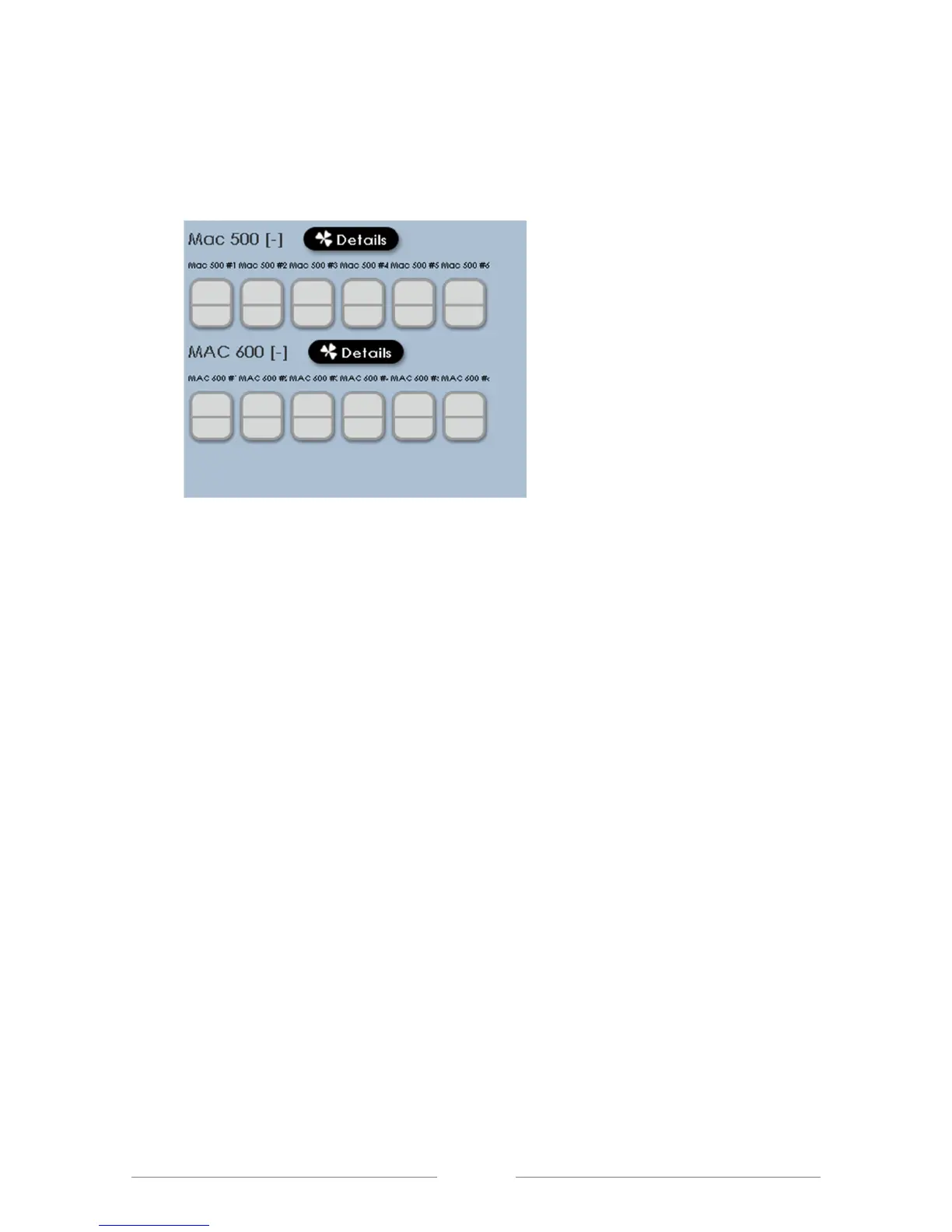
If board channels were NOT assigned to the fixture intensity control, the Stage
screen will look like this:
Notice that the fixtures are still shown on screen, but have no channel numbers
associated with them.
In either case, clicking on the fixture will select it, shown by the fixture display
turning green.



 To Next Page