LPC 48 / 96 Users Manual
Page 14
3.2 Real Time Clock
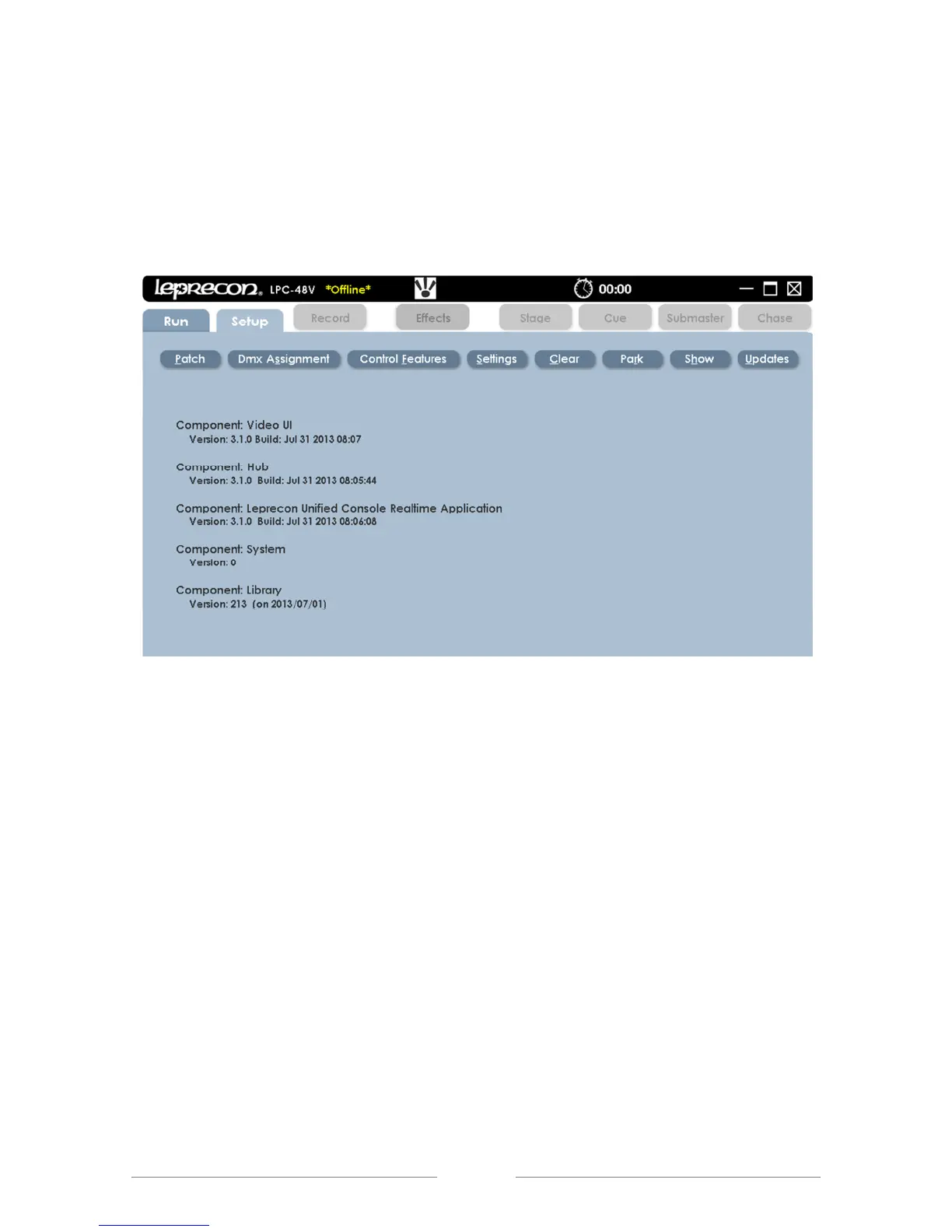
The Real Time Clock can be used for real time or as a timer. This feature is
located at the top of each screen in the LPC title bar.
Clicking on the clock face will start, pause or reset the elapsed time display.
Figure 3: Setup Screen
3.3 On-screen Keypad
The On-screen Keypad allows quick access for entering numeric values in any
given field. It is an alternative to using the keypad on the console (See Figures 4
and 5). The on-screen keypad can be found next to any dialog box. This icon
follows the action when a dialog box is selected and highlighted in yellow.



 To Next Page