LPC 48 / 96 Users Manual
Page 38
virtual channels.
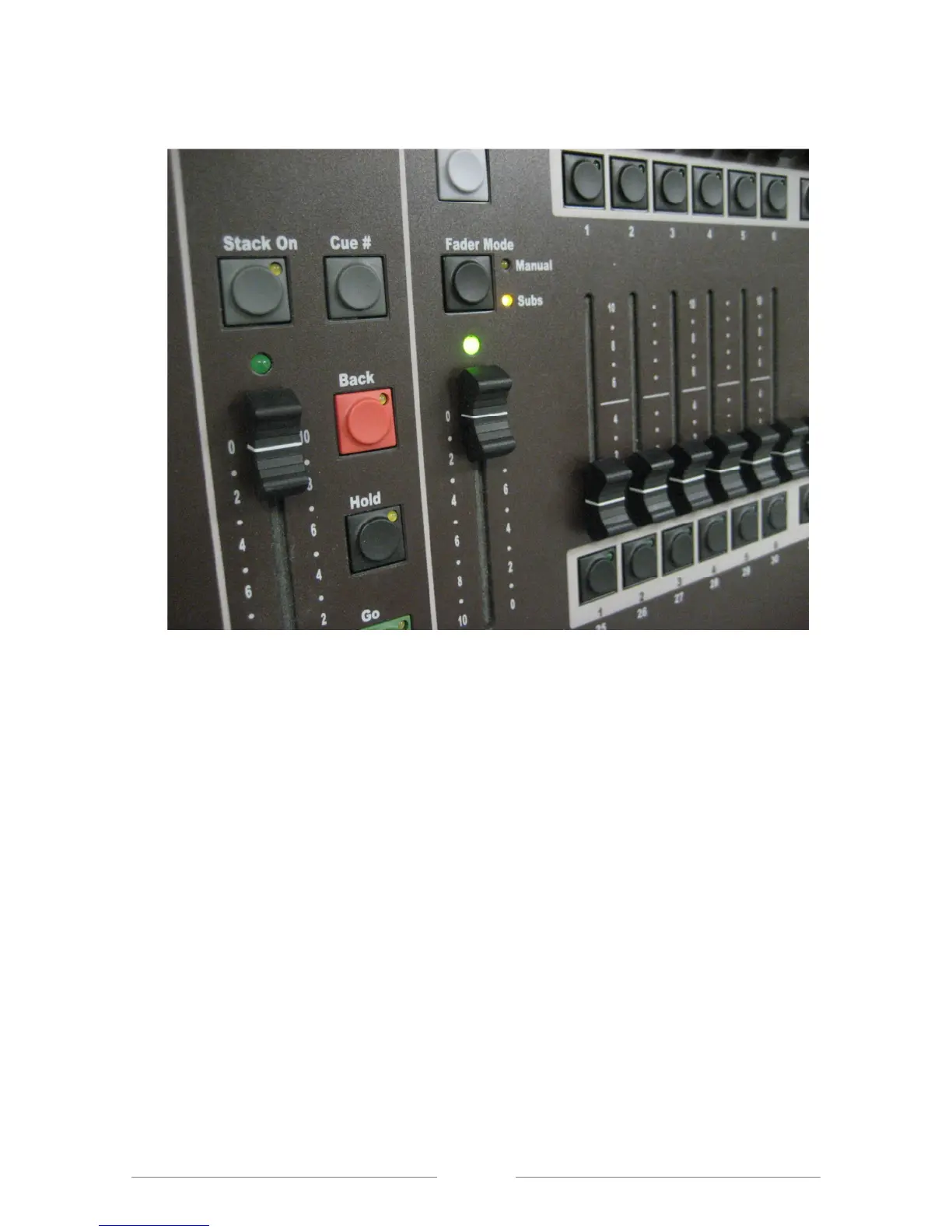
Figure 18: Fader Mode
4.2 Bump buttons
LPC bump buttons are used to flash a channel or Submaster to full level. The
bump buttons are under their associated fader channel. The four modes of bump
operation are chosen with the Bump key, which is located above the blackout
key, (See Figure 19).
Off - bumps are disabled.
Add - pressing a bump button brings up a channel or Submaster without
affecting other channels.
Solo - pressing a bump button brings up a single channel or sub, and blacks
out all other channels.
Latch - pressing and releasing a bump turns on a channel or sub. Pressing
the bump a second time turns off the channel or sub.



 To Next Page