LPC 48 / 96 Users Manual
Page 78
9.2 Setting properties for Intelligent fixtures
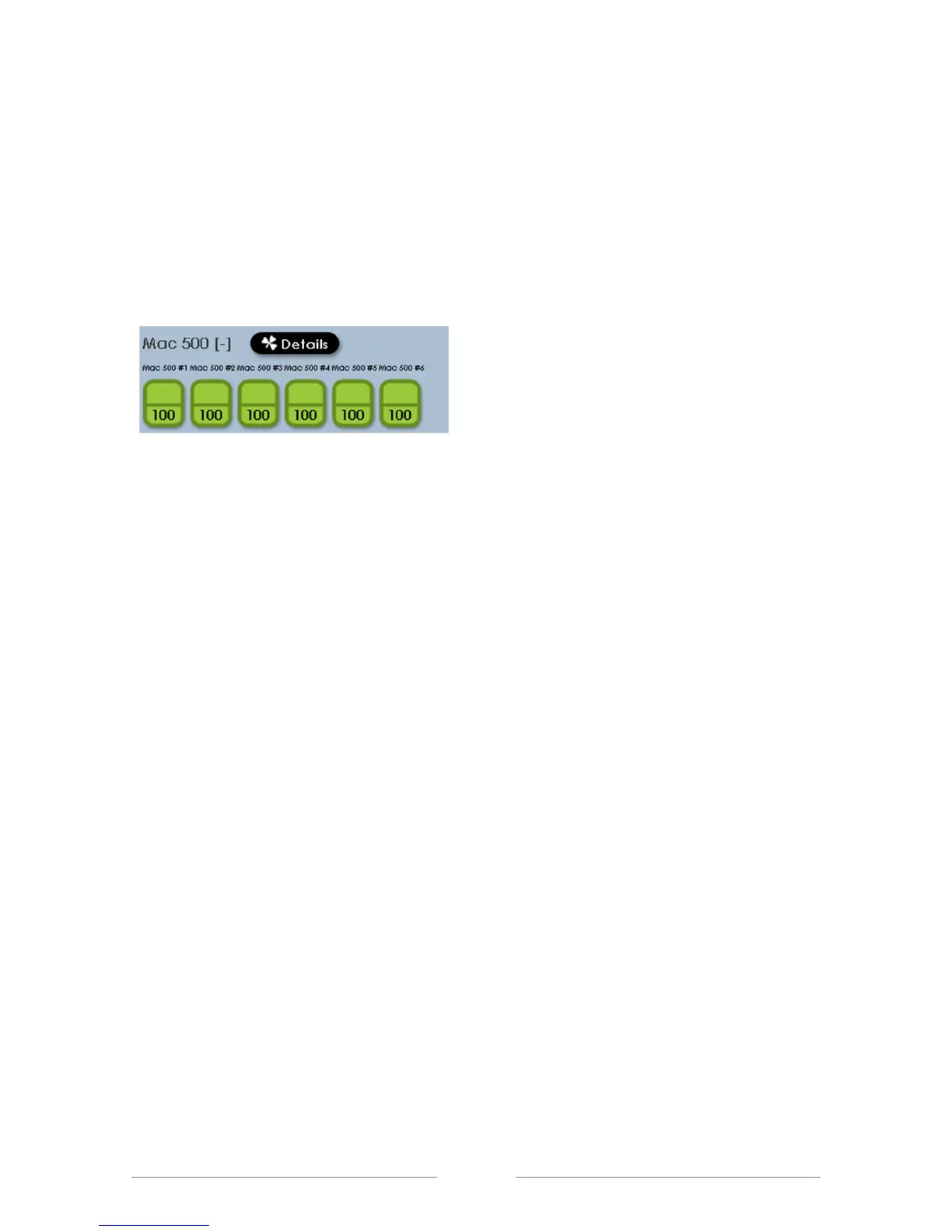
With the intensity on, more properties of the fixtures can be set. From the main
screen, click on the ‘Details’ button.
The small shamrock in the button indicates that the ‘shamrock’ key on the LPC
front panel can be used for the same function. The ‘shamrock’ key is a quick
way to toggle between the main display or record screen and the ‘details’
window.



 To Next Page