LPC 48 / 96 Users Manual
Page 62
7.4 Chase Override
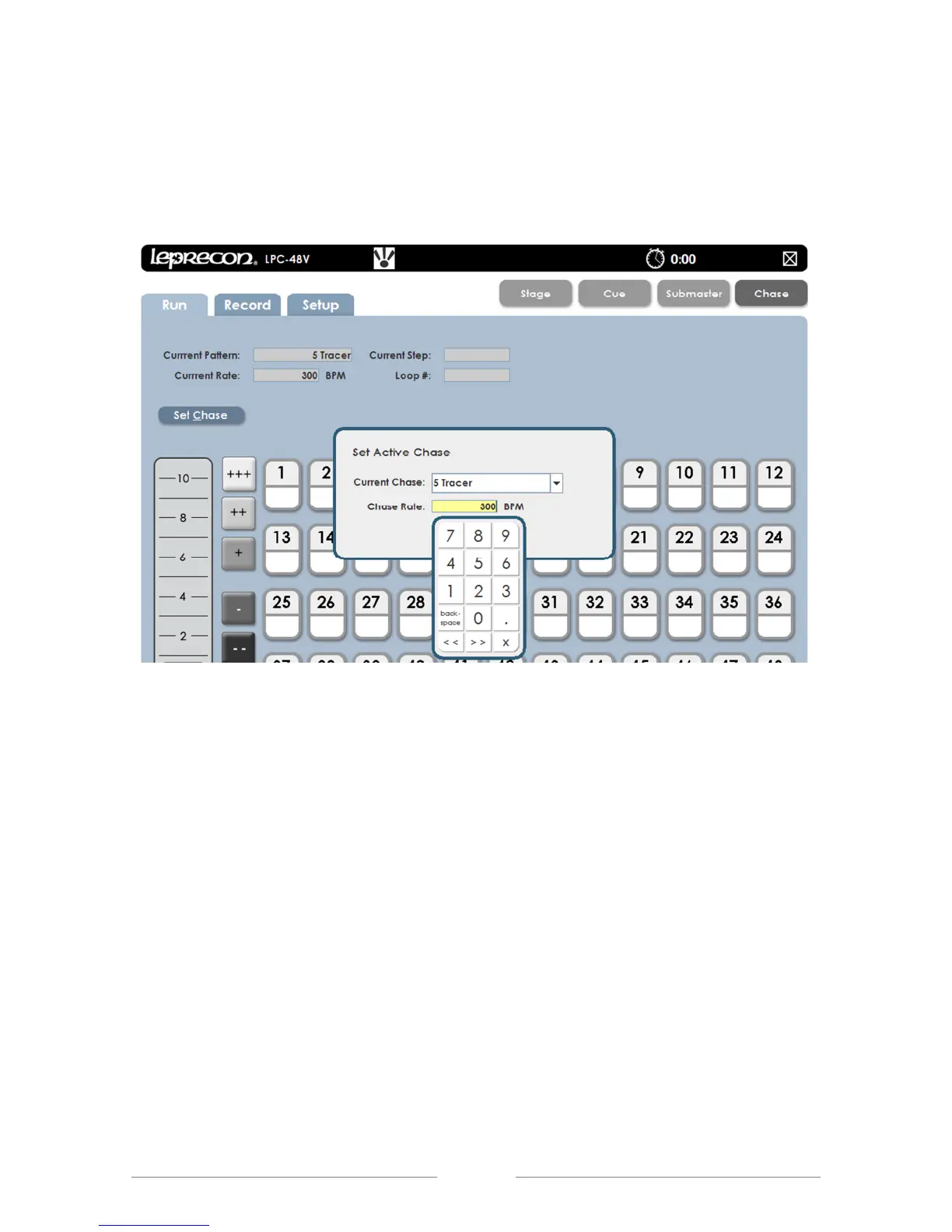
The Chase Rate can be changed while in Run Mode. Select Set Chase and the
Chase Pattern’s rate can be edited (See Figure 36).
Figure 36: Chase Rate Override Screen
7.5 Chase Preview
In Preview a recorded chase pattern can be checked, and each step edited. The
screen’s background color changes to show that the channel display no longer
shows Stage view, (See Figure 37.).
1. From the Chase Run screen, click or touch the Preview control in the
lower corner of the screen.
2. In Preview mode, all the channel selection methods (faders, touch screen,
channel dialog) can be used to change step channel levels.
3. The Blend of a chase can be changed and will affect the current output.
4. Clicking Save will update the pattern step values.



 To Next Page