LPC 48 / 96 Users Manual
Page 93
10.3.3 Using the Color Mixer
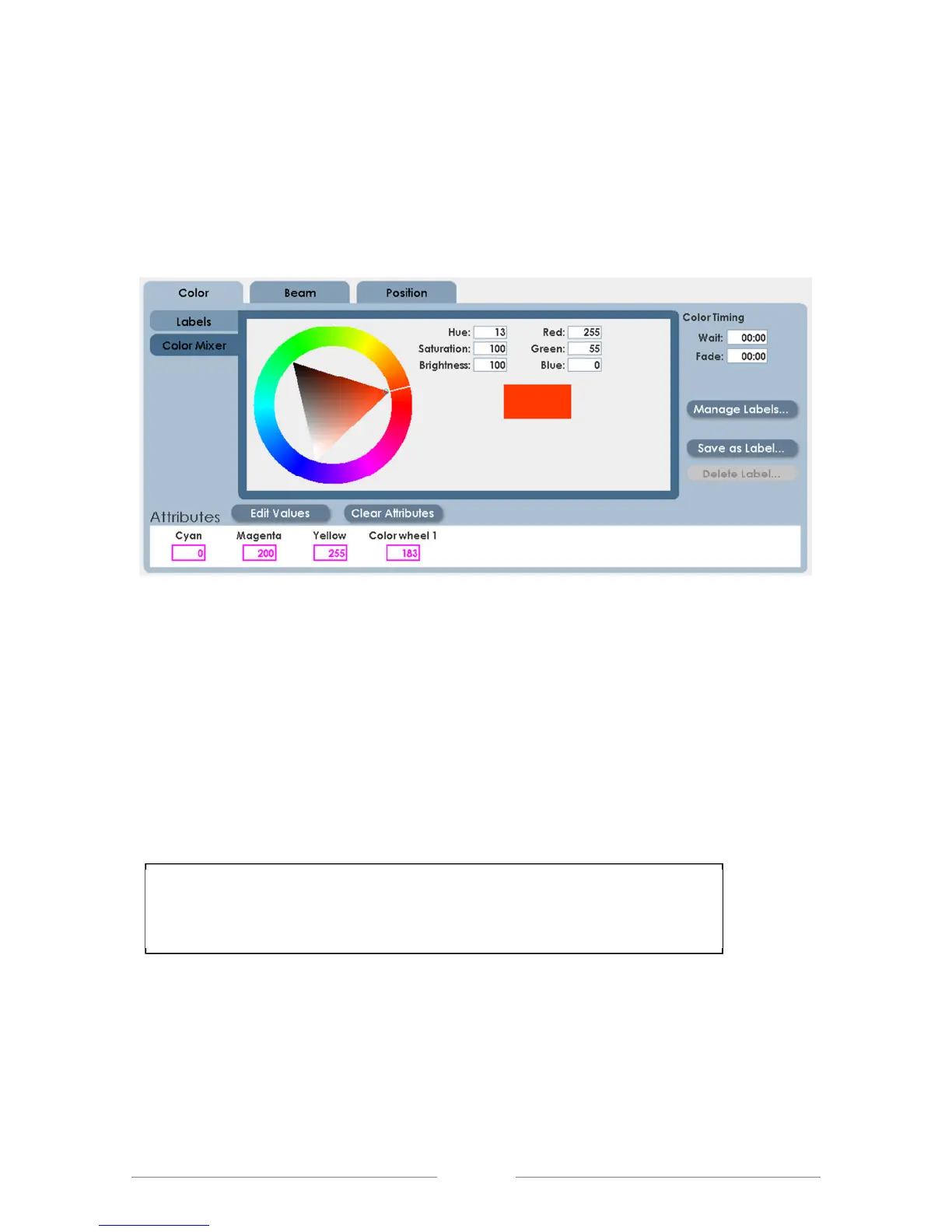
Fixtures that use color mixing (CYM filters) or LED fixtures (Red, Green, Blue)
can use the LPC color Mixer to create new labels. Click the Color Mixer tab to
enable the color control:
The Color mixer allows a range of color, saturation and brightness values for new
labels.
• Click on the outer color ring to set the color.
• Click on the internal triangle to set brightness and saturation.
• When finished, click ‘Save as Label’ to keep the result as a new label.
Note: When returning to the Details screen from Color Mixer, a
message will be displayed indicating that values have been edited.



 To Next Page