LPC 48 / 96 Users Manual
Page 89
10.3 Set Properties
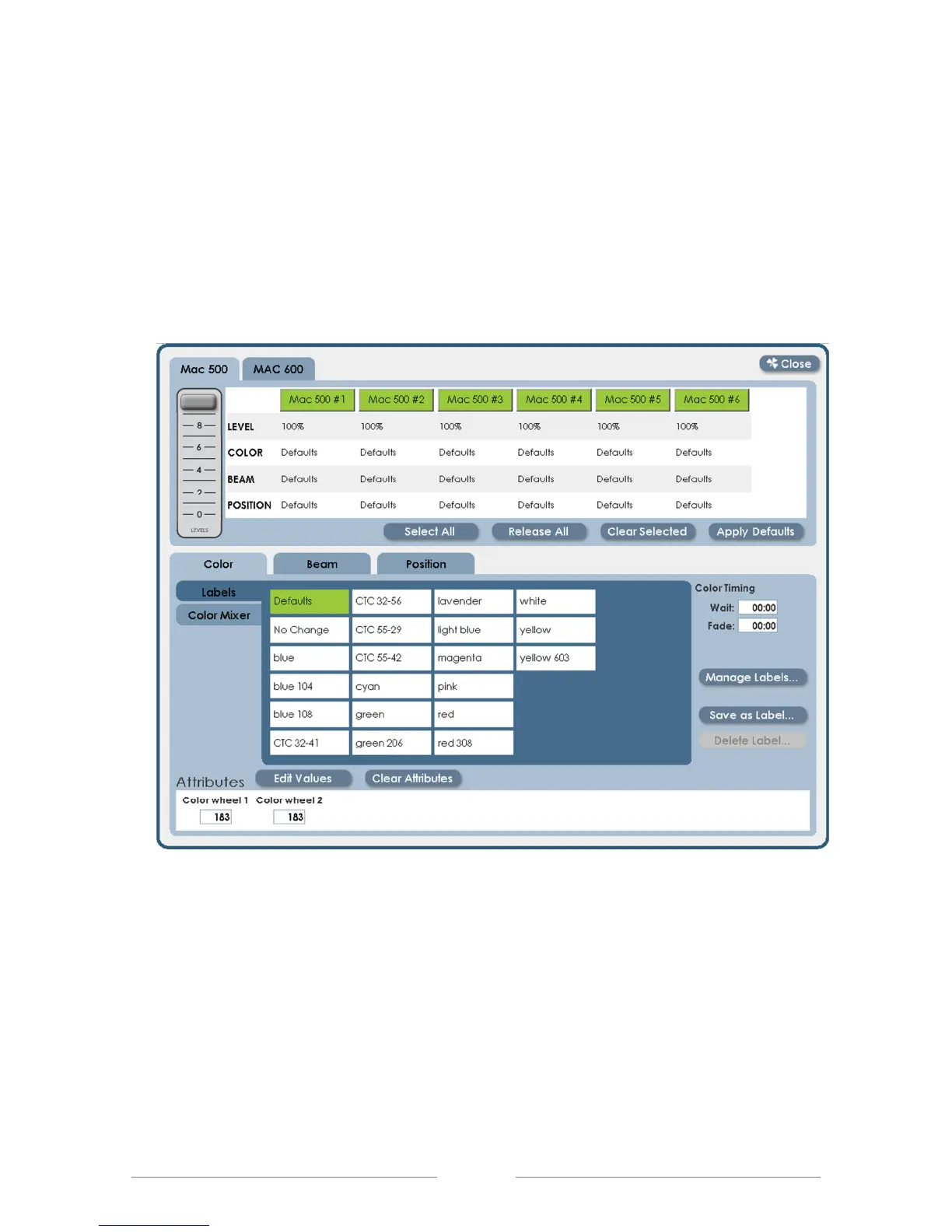
• After selecting fixtures and setting level, click the Details button, or press the
Shamrock key to switch into Detail view. All fixtures are still selected, and
hightlighted in green. All properties are set to Default values, meaning that
the fixtures should be white, open beam and middle position.



 To Next Page