LPC 48 / 96 Users Manual
Page 77
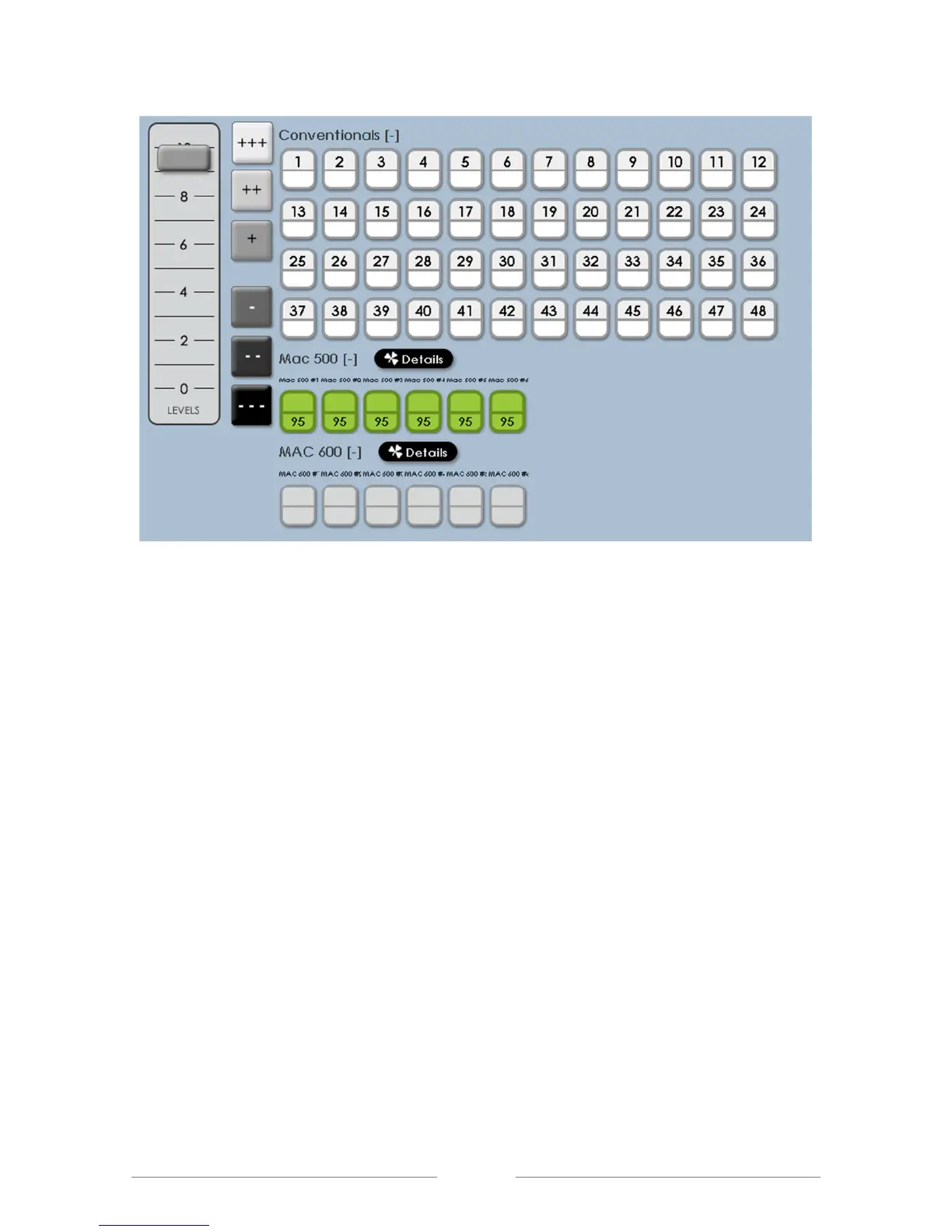
Clicking on the on-screen level controls, or using the ‘level’ key will adjust the
intensity level of the intelligent fixture or LED. All other fixture parameters, such
as color, position and beam will be unchanged from their current position.
9.1.1 Setting intensity - step by step
1) Make sure Master and Manual faders are up
2) Click on fixture selection on screen, which will highlight it in green
3) Use the on-screen fader to set level.



 To Next Page