LPC 48 / 96 Users Manual
Page 27
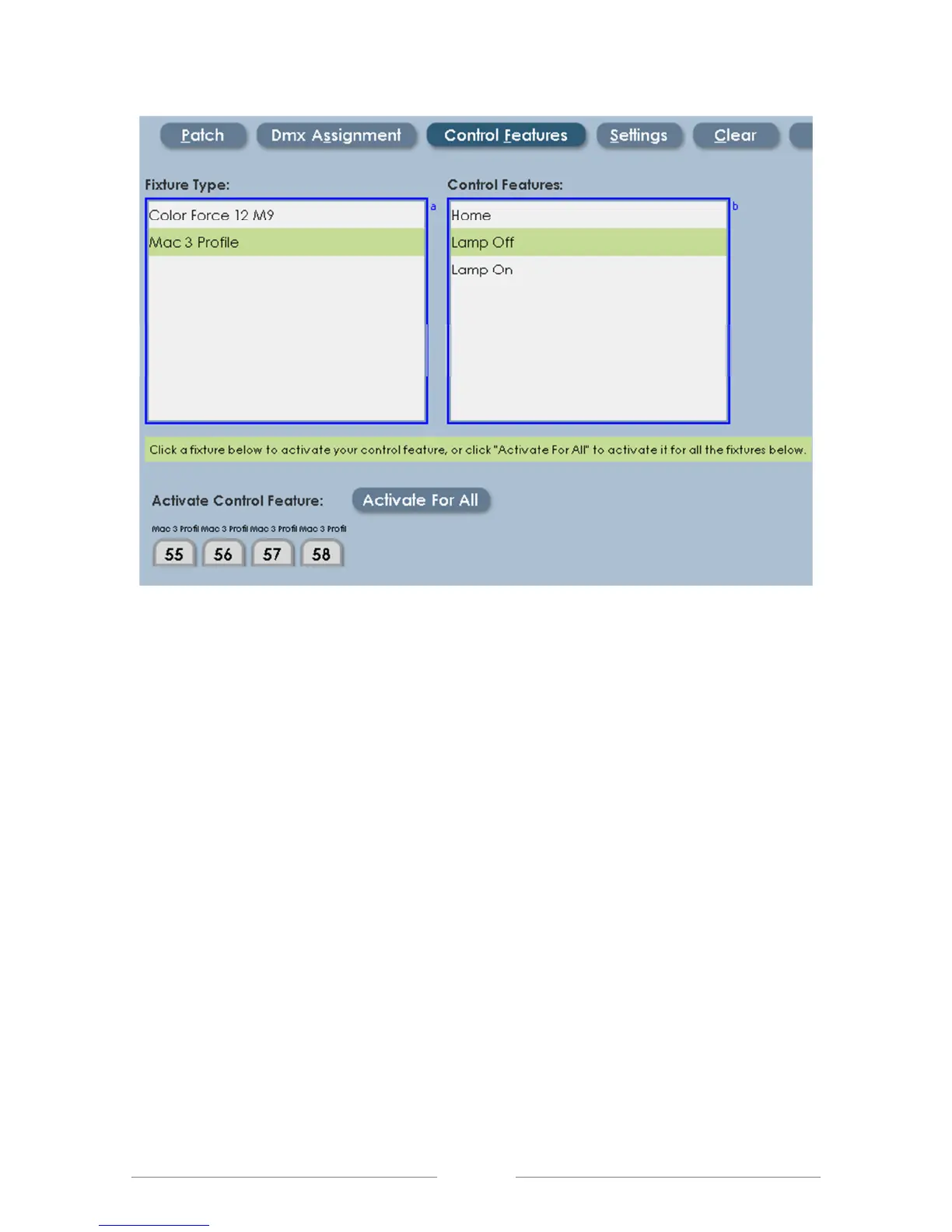
The image above shows Lamp ON selected. Click on individual fixtures to send
Lamp On commands to those fixtures, or click ‘Activate For All’ to send Lamp On
commands to all of the MAC600 fixtures.
Note: Control Features are applied one at a time to the selected fixture. This
prevents excessive current draw when using Lamp On for a large number of
fixtures.



 To Next Page