LPC 48 / 96 Users Manual
Page 25
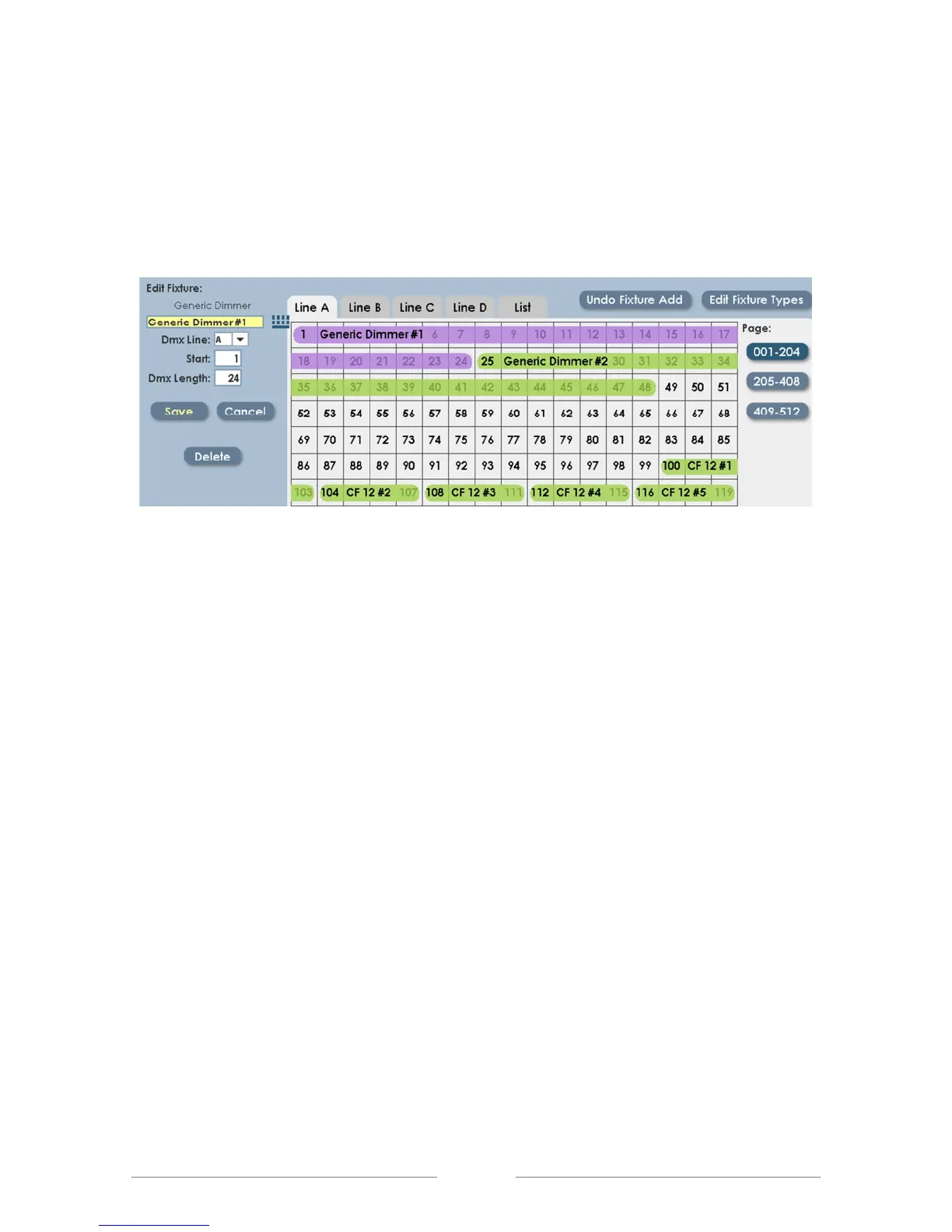
Dimmers already placed in the DMX Assignment can be moved or re-named
later. Simply click on the displayed dimmer, when it has been selected it will turn
magenta:
The selected dimmer can be ‘dragged’ to a new start address, or the text boxes
on the right side of the screen can be used to change the address. Click ‘Save’
to update the assignment with the new data.
The DMX assignment screen is also used to add LED and automated fixtures to
your show. Details are in Chapter 8; Intelligent Fixture Programming.



 To Next Page