LPC 48 / 96 Users Manual
Page 33
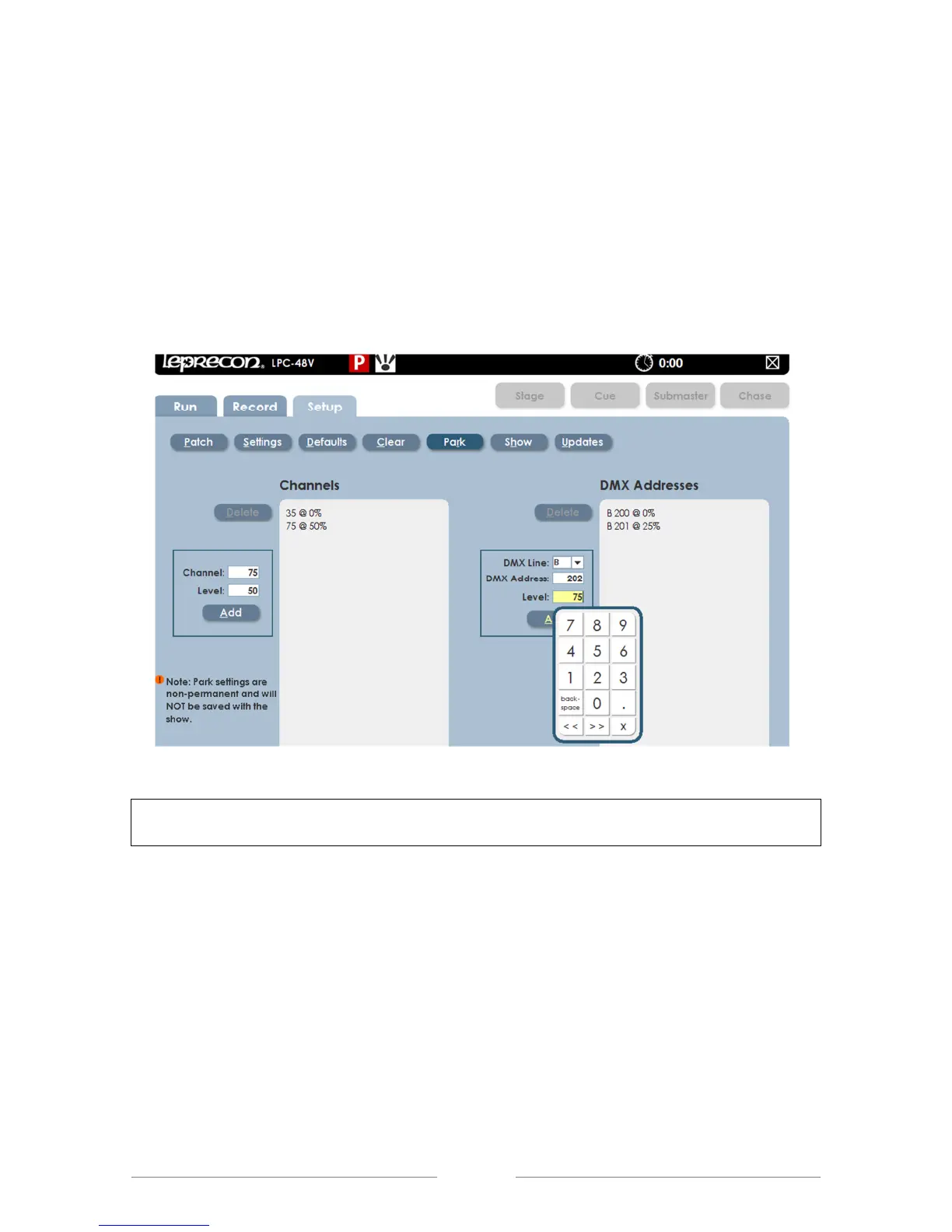
1. Select the desired dialog box and the on-screen keypad will appear.
2. Enter the Channel number and Level
3. The parked channel number and level will appear in a list to the right of
the dialog box.
4. To Un-Park a channel, highlight a desk channel or dimmer channel from
the list and select Delete.
Figure 14: Park Screen
If any channels or dimmers are Parked, a red indicator with the letter ‘P’ is shown
on the title bar at the top of the screen.



 To Next Page