LPC 48 / 96 Users Manual
Page 59
screen.
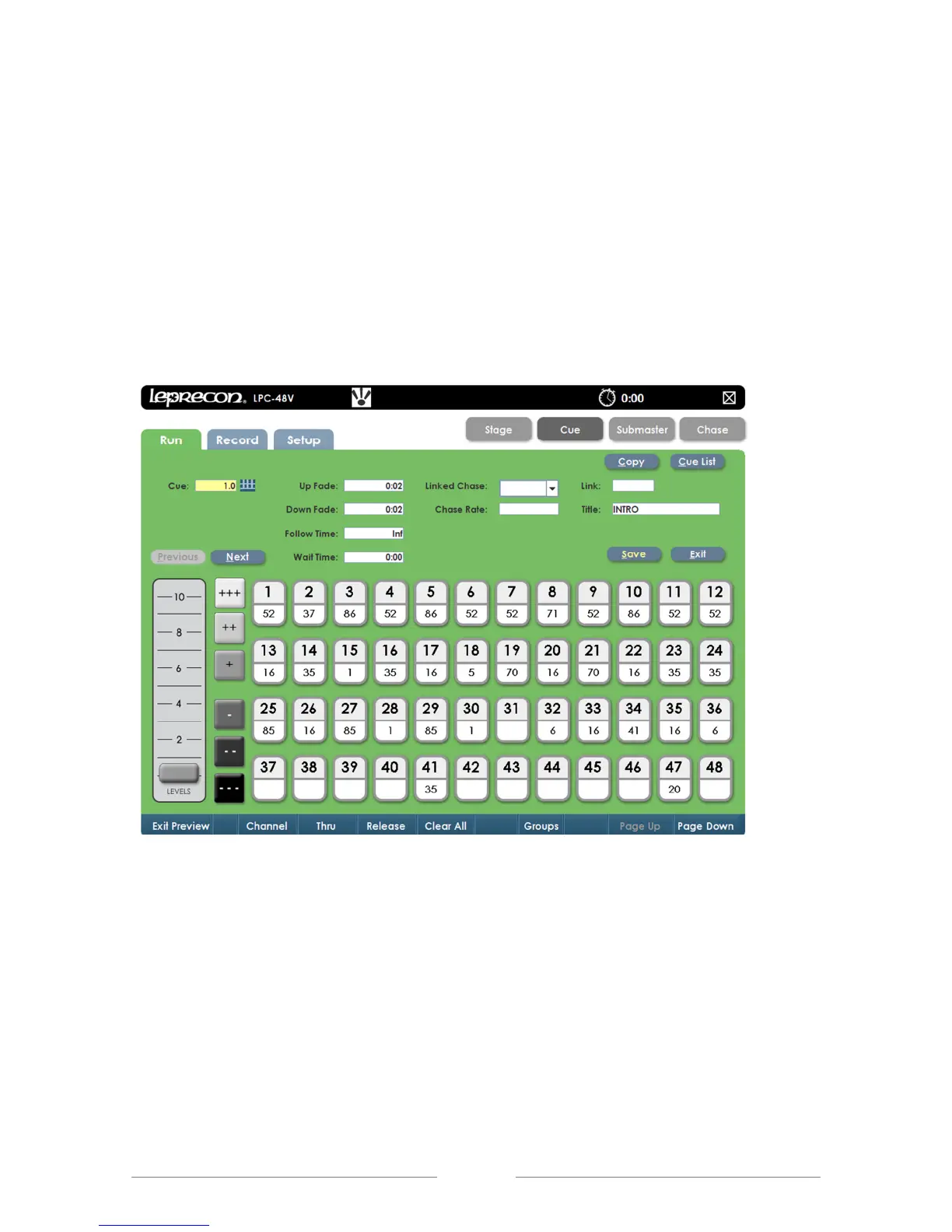
2. All properties of the selected cue will be shown.
3. Channel levels can be adjusted using the same techniques that are used
to create the Cues; faders, channel controls, or touching a channel, (See
Figure 34).
4. Selecting Save will update the cue. Previous and Next can be used to
preview other cues in the show.
Figure 34: Cue Preview Screen



 To Next Page