LPC 48 / 96 Users Manual
Page 81
Properties Tab:
At the bottom of the ‘Details’ screen are the tabs and controls for setting Color,
Beam and Position for intelligent fixtures. Each property has it’s own tab and
controls.
Not all fixtures will have all properties available, LED fixtures may have only
Color properties, and not all fixtures will support color mixing.
Properties and Attributes:
LPC controls intelligent fixtures by setting four basic properties – Color, Beam,
Position and Dimmer. Each of these properties consists of one or more
Attributes, which are related to the basic functions designed into the fixture.
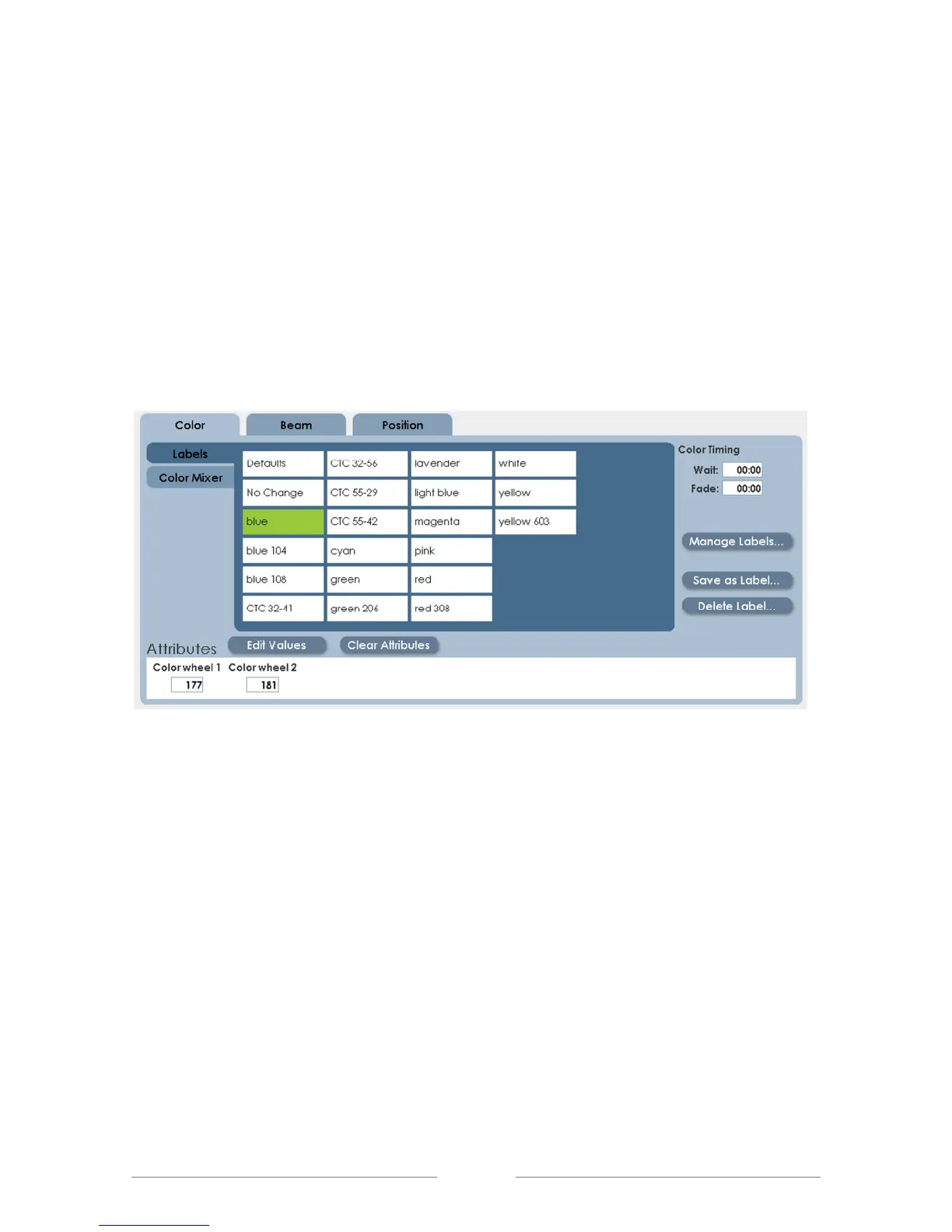
In the illustration above, the tab for Color is selected, showing the pre-defined
colors (labels) available for the fixtures. At the bottom of the screen are the two
attributes (color wheel 1 and color wheel 2) that make up the Color property on
this fixture.



 To Next Page