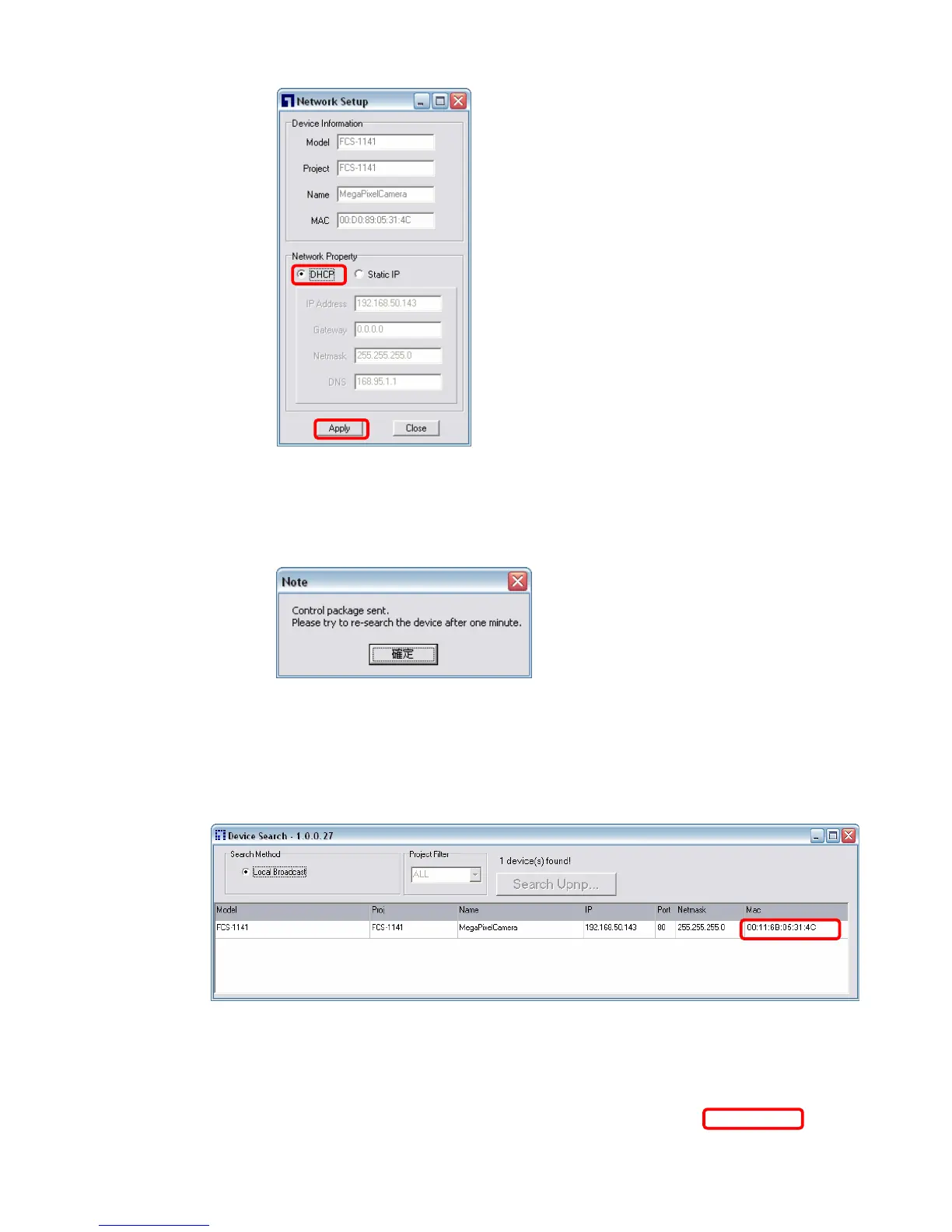
Step 3: Click “OK” on the Note of setting change. Wait for one minute to
re-search the IP Camera.
Step 4: Click the “Device Search” button to re-search all the devices. Then
select the IP Camera with the correct MAC address. Double click on the
IP Camera, and the login window will come out.
Step 5: Enter User name and Password to access the IP Camera















 To Next Page