57
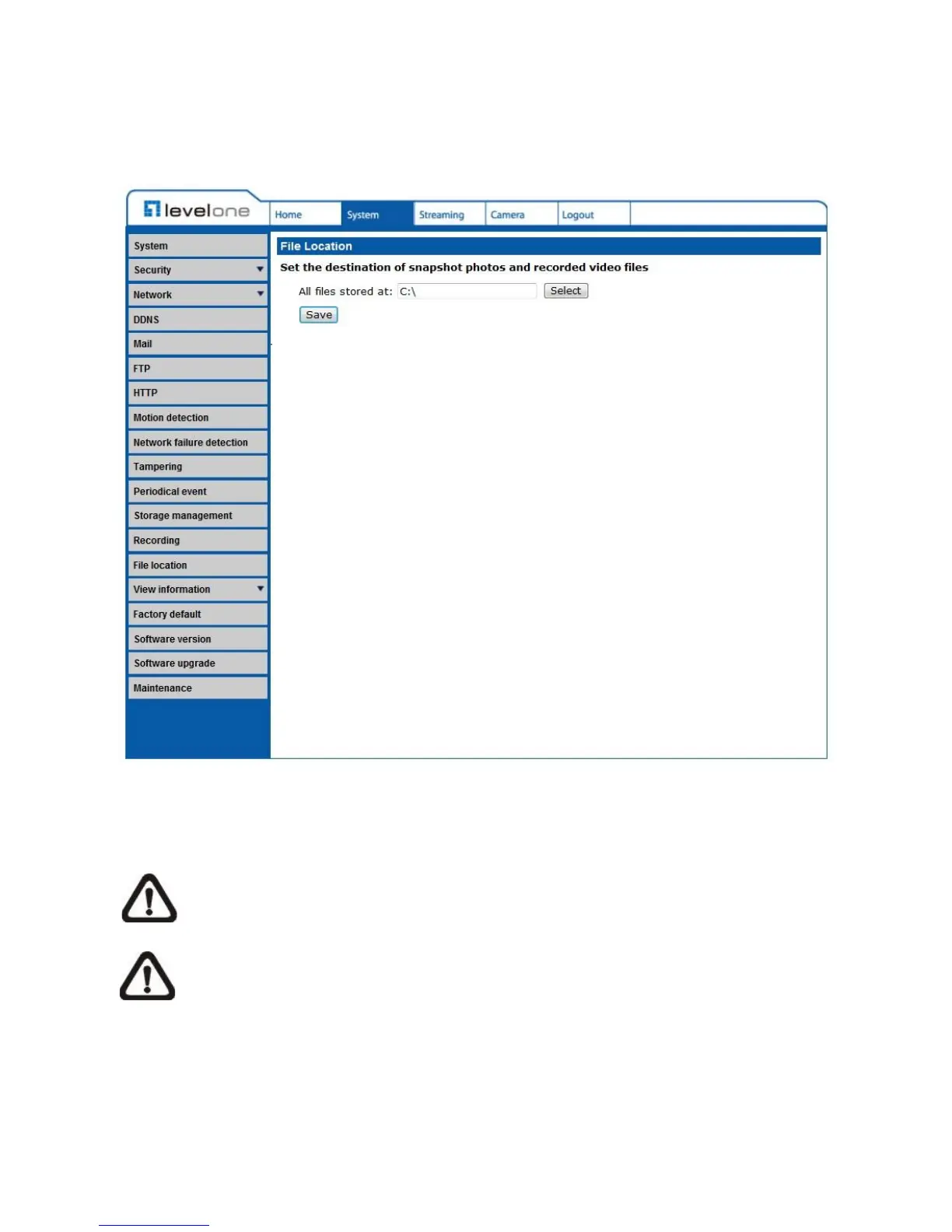
4.3.3.14 File Location (Snapshots and Web Recording)
The File Location setting can be found under this path: System> File Location.
Users can specify a storage location on the PC or in the hard drive for the snapshots and live
video recording. The default setting is: C:\. Once confirm the setting, click on <Save>, and all
the snapshots and web recording will be saved in the designate location.
NOTE: Please make sure the selected file path contains valid characters such as
letters and numbers.
NOTE: For users with Windows 7 operating system, it is required to log on as an
Administrator to implement the Snapshot and Web Recording function.















 To Next Page