59
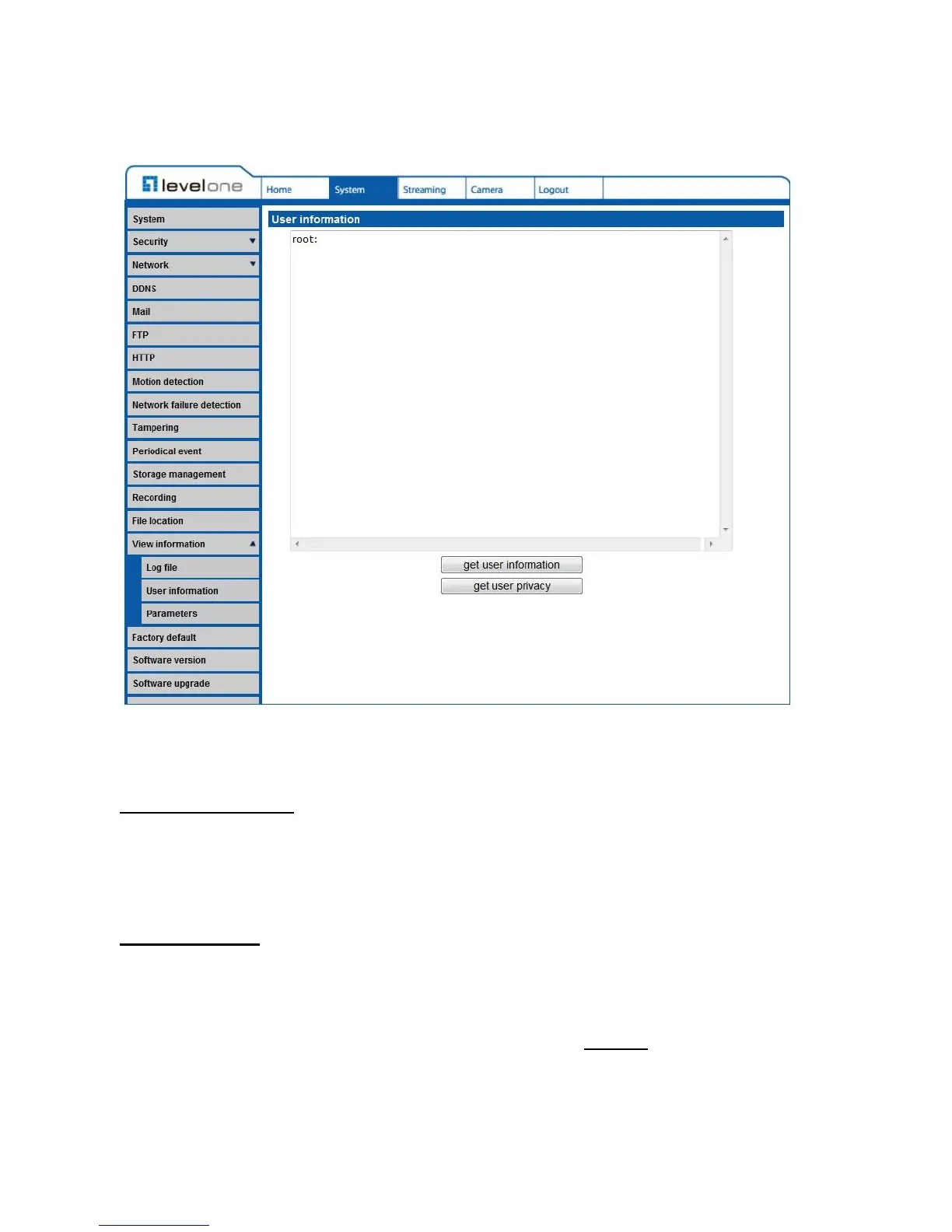
4.3.3.15.2 User Information
The User Information function can be found under this path: System> User Information.
The Administrator can view each added user’s login information and privileges (refer to
Security).
Get User Information
All the users in the network will be listed in the <User information> zone as shown below:
User: 4321
It indicates that one user’s login username is “User”, and the password is“4321”.
Get User Privacy
Click on <get user privacy> at the bottom of the page, and the Administrator can view each
user’s privileges as shown below:
User: 1:1:0:1
1:1:0:1= I/O access : Camera control : Talk : Listen (refer to Security)
Therefore, it denotes the user is granted privileges of I/O access, Camera control and Listen.















 To Next Page