79
4.5.3 Picture Adjustment
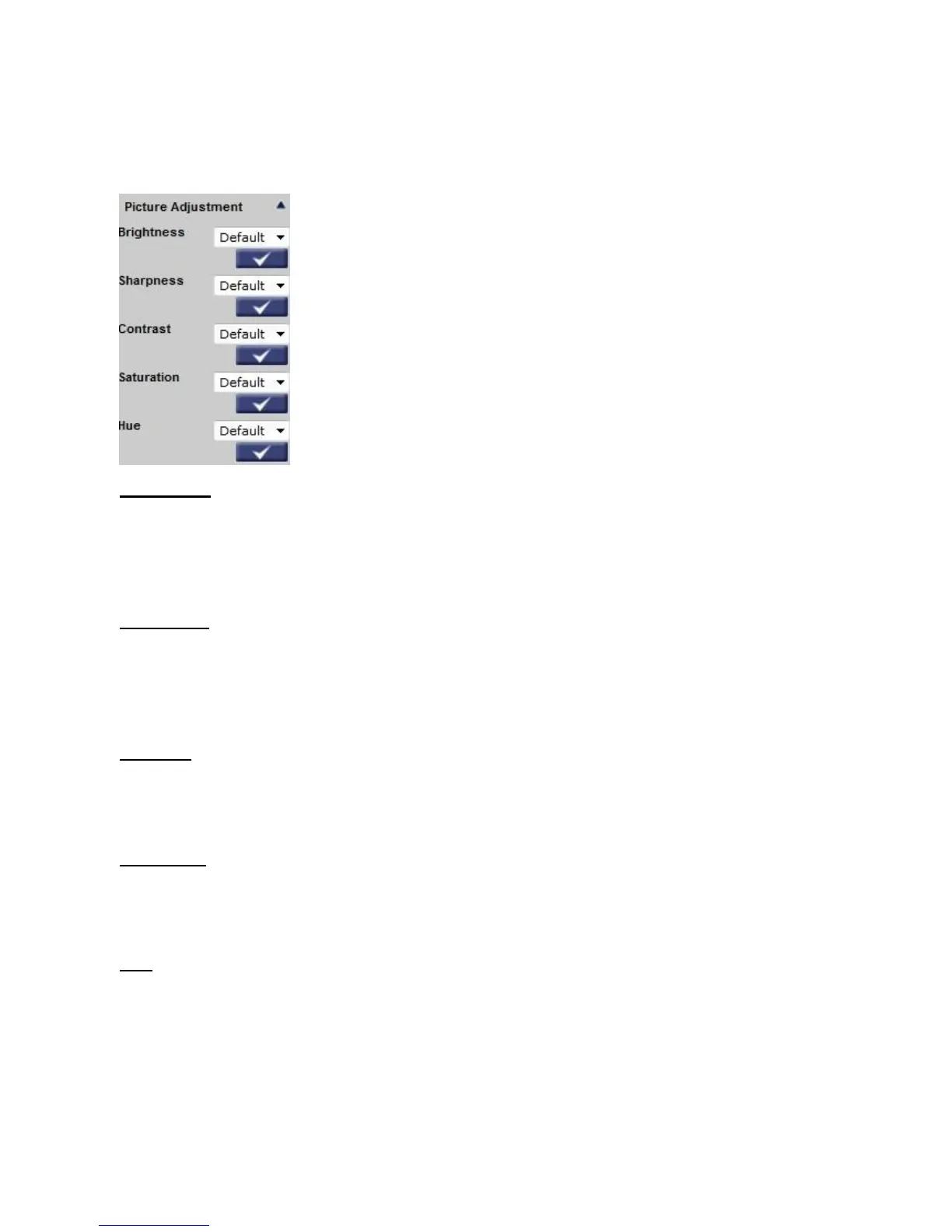
The Picture Adjustment can be found under this path: Camera> Picture Adjustment.
Brightness
Users can adjust the image’s brightness by adjusting the item. Please select ranging from
-12 to +13. To increase video brightness, select a bigger number. Click on <√ > to confirm
the new setting.
Sharpness
Increasing the sharpness level can make the image looked sharper; especially enhance the
object’s edge. Please select ranging from +0 to +15. Click on < √ > to confirm the new
setting.
Contrast
Camera image contrast level is adjustable; please select ranging from -6 to +19. Click on <
√ > to confirm the new setting.
Saturation
Camera image saturation level is adjustable; please select ranging from -6 to +19. Click on <
√ > to confirm the new setting.
Hue
Camera image hue level is adjustable; please select ranging from -12 to +13. Click on < √
> to confirm the new setting.















 To Next Page