83
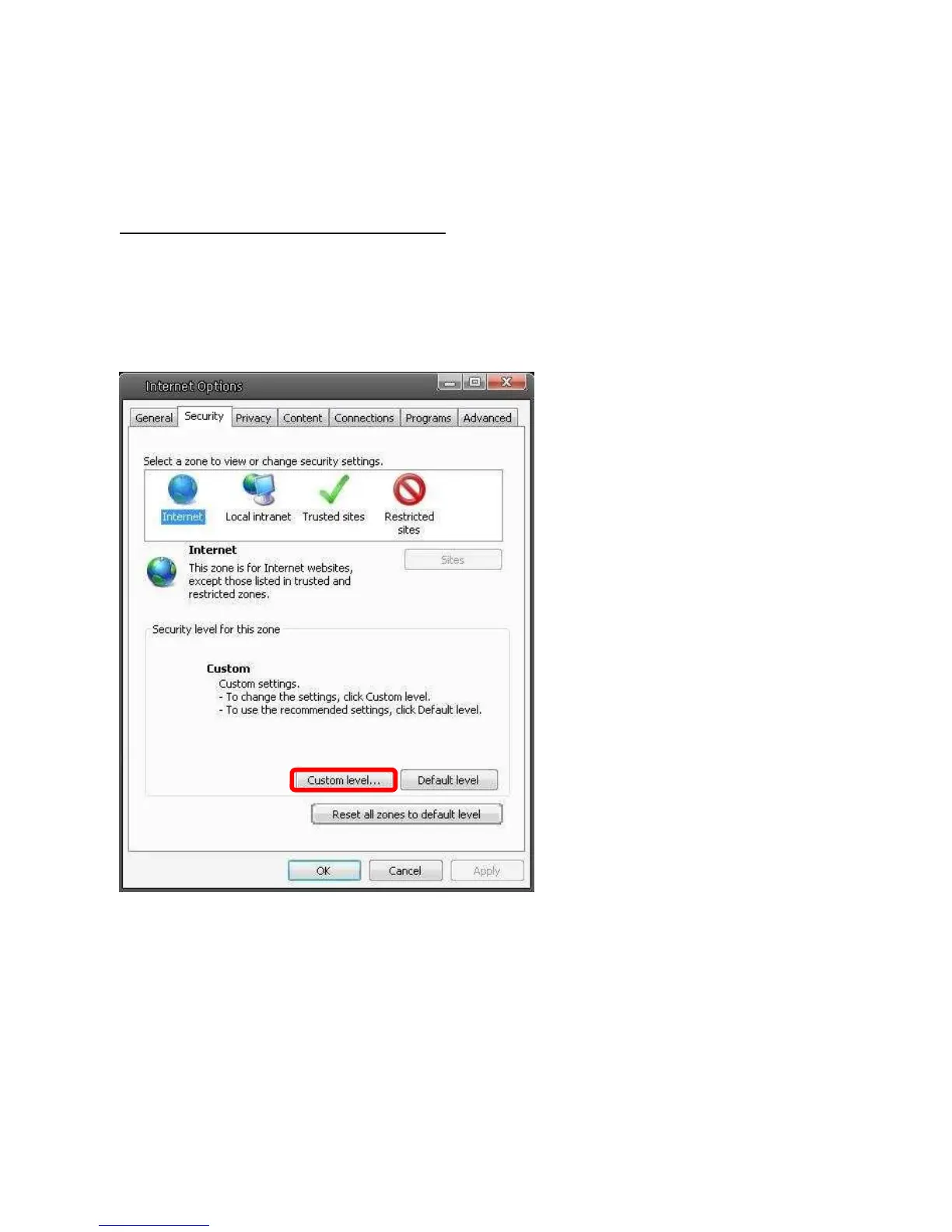
Step 4: Down the page, press “Default Level” (see the figure above) and click “OK” to
confirm the setting. Close the browser window, and open a new one later when accessing
the IP Camera.
ActiveX Controls and Plug-ins Settings
Step 1~3: Refer to the previous section above.
Step 4: Down the page, press “Custom Level” (see the figure below) to change ActiveX
controls and plug-ins settings.















 To Next Page