User Manual of Network Camera
81
normal configuration and expert configuration are selectable for different motion
detection environment.
➢ Normal Configuration
Normal configuration adopts the same one set of motion detection parameters in the
daytime and at night.
Tasks:
1. Set the Motion Detection Area.
Steps:
(1)Enter the motion detection settings interface
Configuration > Advanced Configuration> Basic Event > Motion
Detection
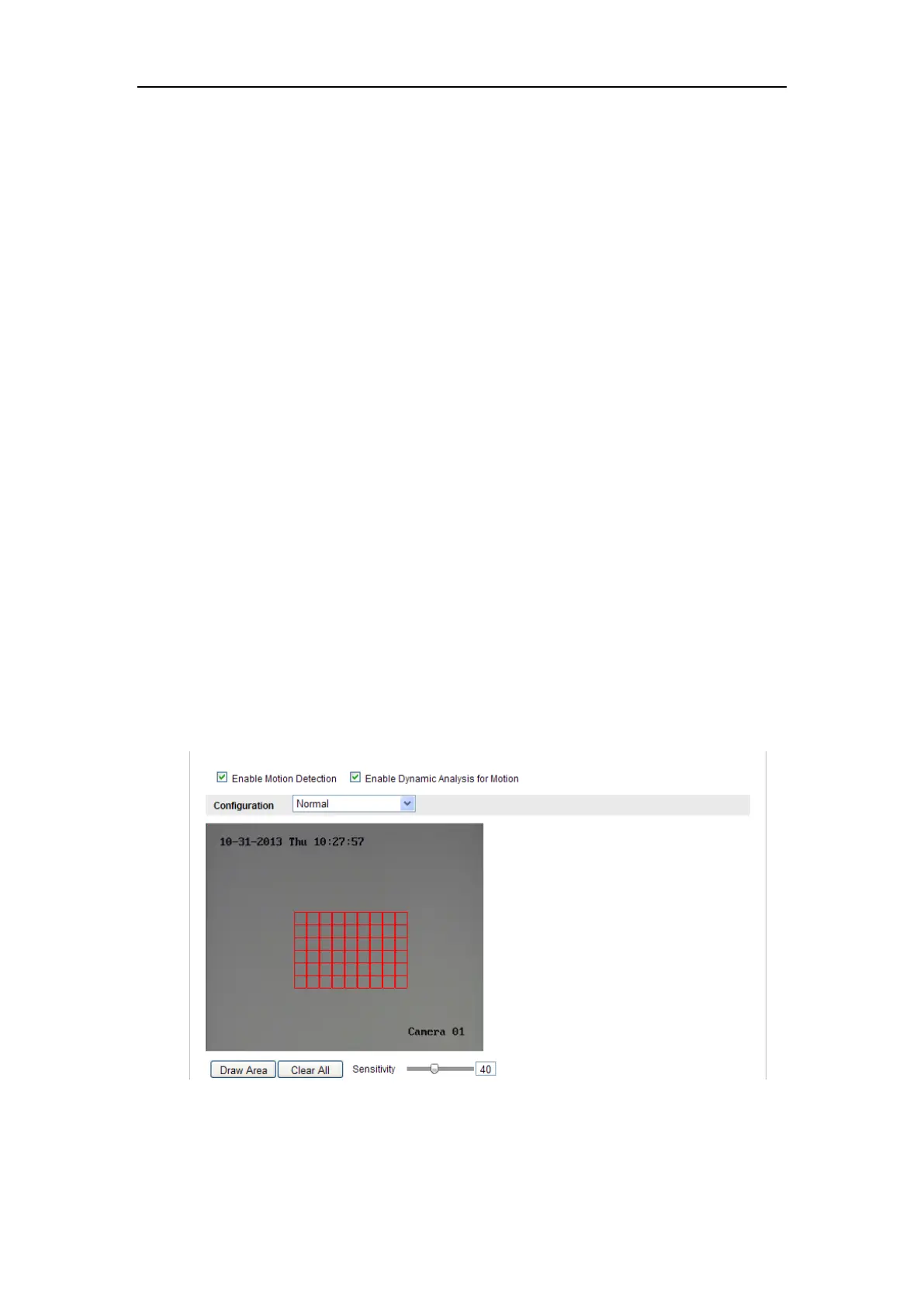
(2)Check the checkbox of Enable Motion Detection.
(3)Check the checkbox of Enable Dynamic Analysis for Motion if you want to
mark the detected objects with green rectangles.
Note: Select Disable for rules if you don’t want the detected objected
displayed with the rectangles. Select disable from Configuration-Local
Configuration-Live View Parameters-rules.
Figure 6-42 Enable Motion Detection
(4)Click Draw Area. Click and drag the mouse on the live video to draw a
motion detection area.















 To Next Page