User Manual of Network Camera
82
(5)Click Stop Drawing to finish drawing one area.
(6)(Optional) Click Clear All to clear all of the areas.
(7)(Optional) Move the slider to set the sensitivity of the detection.
2. Set the Arming Schedule for Motion Detection.
Steps:
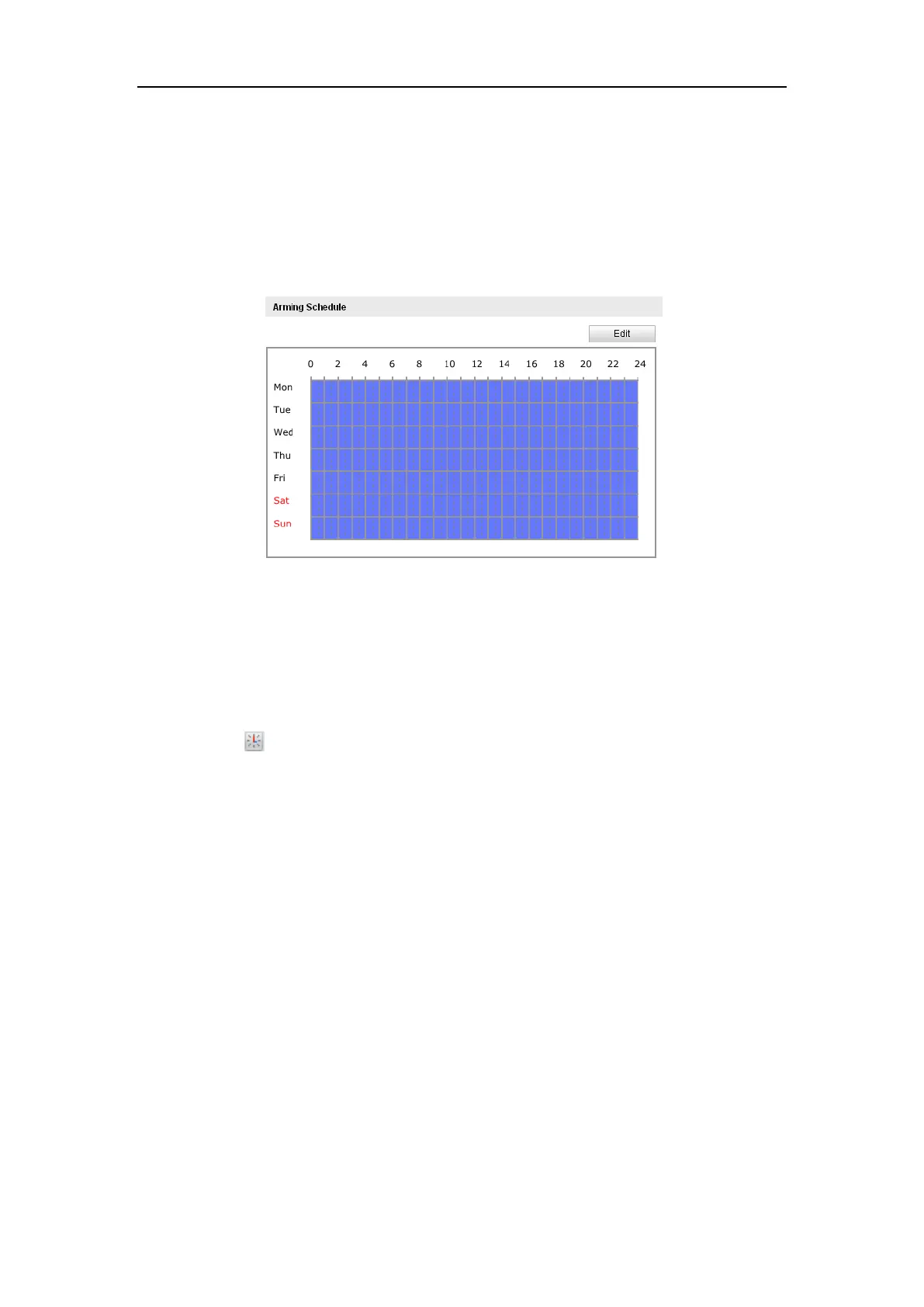
Figure 6-43 Arming Time
(1)Click Edit to edit the arming schedule. The Figure 6-34 shows the editing
interface of the arming schedule.
(2)Choose the day you want to set the arming schedule.
(3)Click to set the time period for the arming schedule.
(4)(Optional) After you set the arming schedule, you can copy the schedule to
other days.
(5)Click OK to save the settings.
Note: The time of each period can’t be overlapped. Up to 8 periods can be
configured for each day.















 To Next Page