23
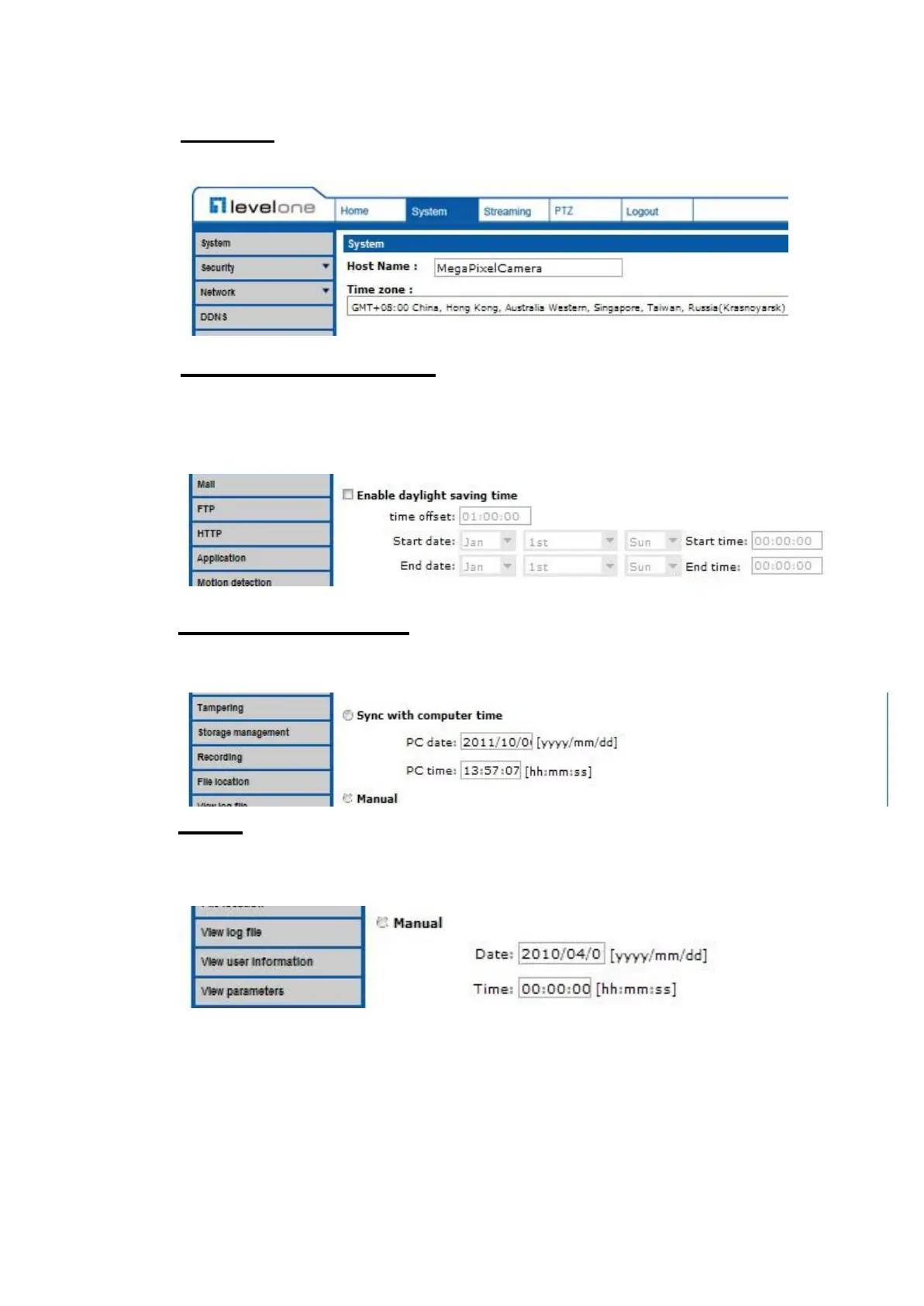
Time Zone
Select the time zone you are in from the drop-down menu.
Enable Daylight Saving Time
To enable DST, please check the item and then specify time offset and DST
duration. The format for time offset is [hh:mm:ss]; for instance, if the amount of
time offset is one hour, please enter “01:00:00” into the field.
Sync With Computer Time
Select the item and video date and time display will synchronize with the PC’s.
Manual
The Administrator can set video date, time and day manually. Entry format
should be identical with that shown next to the enter field.















 To Next Page