54
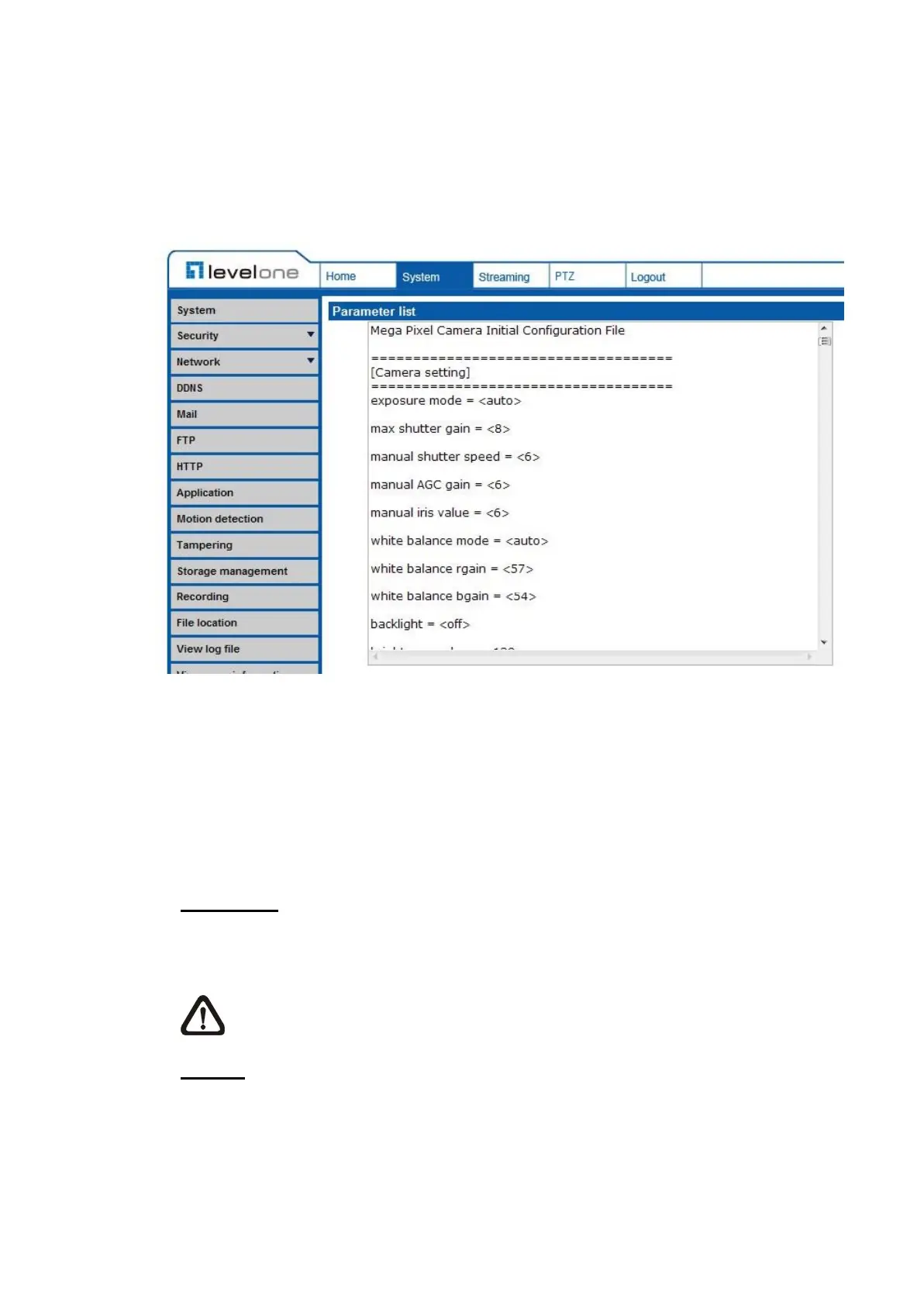
7.2.16 View Parameters
The View Parameters function can be found under this path: System> View
Parameter.
Click on this item to view the entire system’s parameter setting.
7.2.17 Factory Default
The Factory Default setting can be found under this path: System> Factory
Default.
Users can follow the instructions on this page to reset the IP Camera to factory
default settings if needed.
Set Default
Click on the <Set Default> button to recall the factory default settings. Then the
system will restart in 30 seconds.
NOTE: The IP address will be restored to default.
Reboot
Click on the <Reboot> button, and the system will restart without changing
current settings.















 To Next Page