62
Video OCX protocol setting options include:
RTP over UDP/ RTP over RTSP(TCP)/ RTSP over HTTP/ MJPEG
over HTTP
Select a mode according to your data delivery requirements.
Multicast Mode
Enter all required data, including <multicast IP address>, <H.264 video
port>, <MJPEG video port>, <Audio Port> and <TTL> into each blank.
Click on <Save> to confirm the setting.
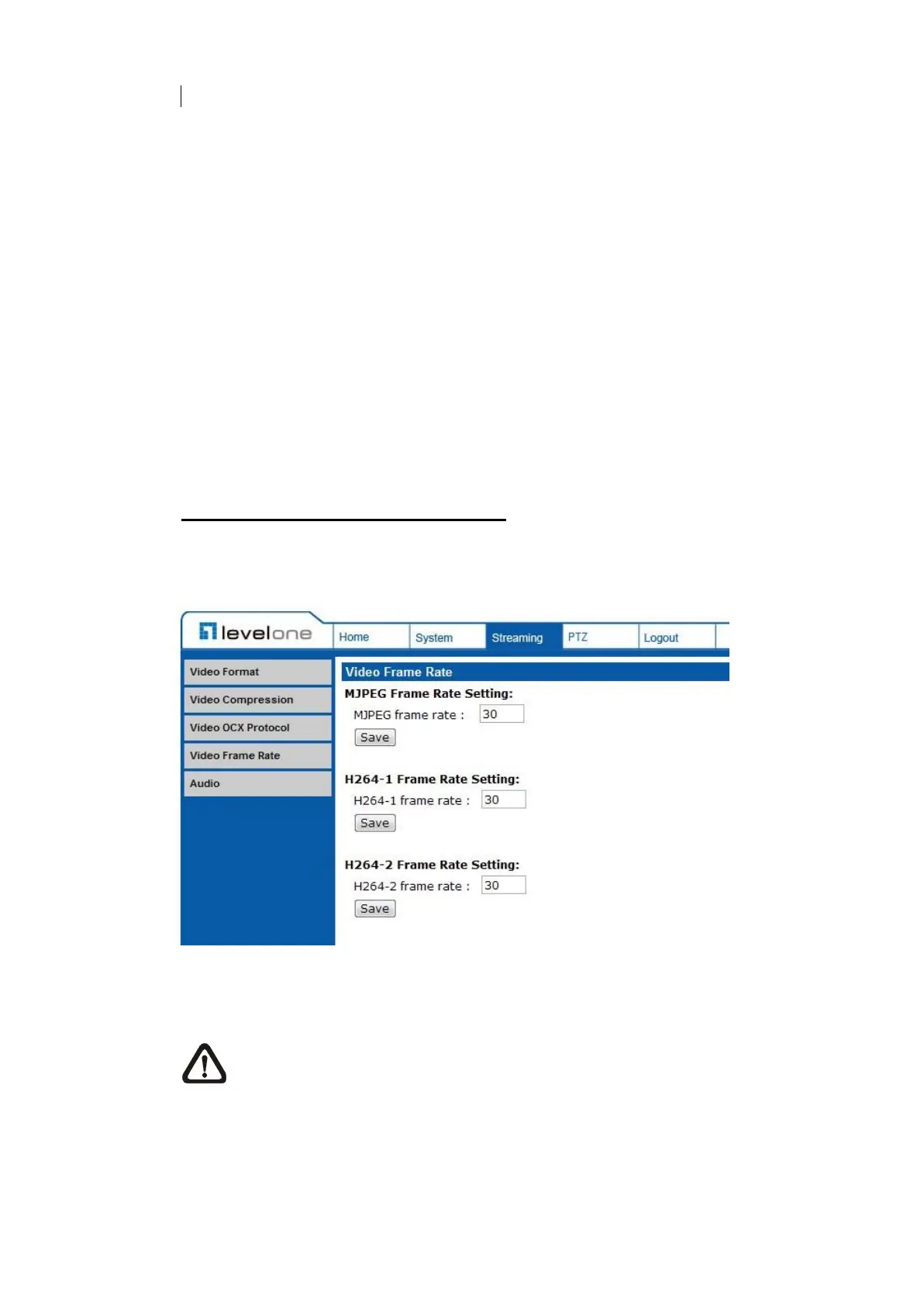
7.3.4 Video Frame Rate
The Video Frame Rate setting can be found under this path: Streaming> Video
Frame Rate.
Video frame rate is for setting the frames per second (fps) if necessary.
MJPEG/ H.264-1/ H.264-2 Frame Rate
The default setting of MJPEG Frame Rate is 30 fps; the setting range is from 1
to 30.
Click on <Save> to confirm the setting.
NOTE: Lower frame rate will decrease video smoothness.















 To Next Page