43
Overwrite
The original image in the FTP site will be overwritten by the new
uploaded file with a static filename.
Save
After complete all the settings mentions above, please click on the <Save>
button to save all the settings on this page.
7.2.9 Motion Detection
The Motion Detection setting can be found under this path: System> Motion
Detection.
Motion Detection function allows detecting suspicious motion and triggering
alarms when motion volume in the detected area reaches/exceeds the
determined sensitivity threshold value.
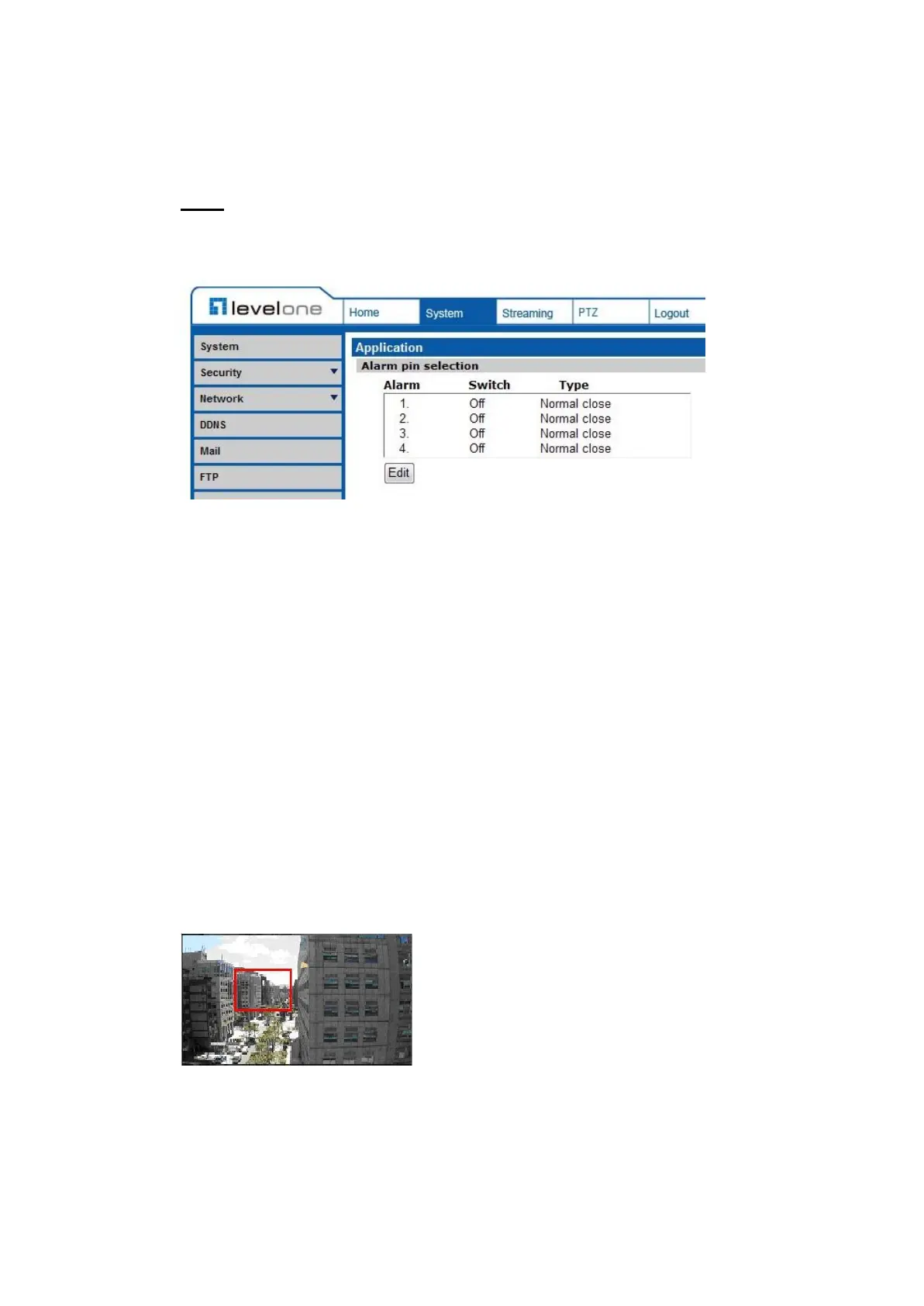
In the Motion Detection setting page, there is a frame (Motion
Detection Window) displayed on the Live Video Pane. The Motion
Detection Window is for defining the motion detection area. To change the
size of the Motion Detection Window, move the mouse cursor to the edge of
the frame and draw it outward/inward. Moving the mouse to the center of the
frame can shift the frame
to the intended location.
to the intended location.
Up 10 Motion Detection Windows can be set. Click on the <add> button under
the Live Video Pane to add a Motion Detection Window. To cancel a Motion
Detection Window, move the mouse cursor to the selected Window, and click on
the <delete> button.















 To Next Page