64
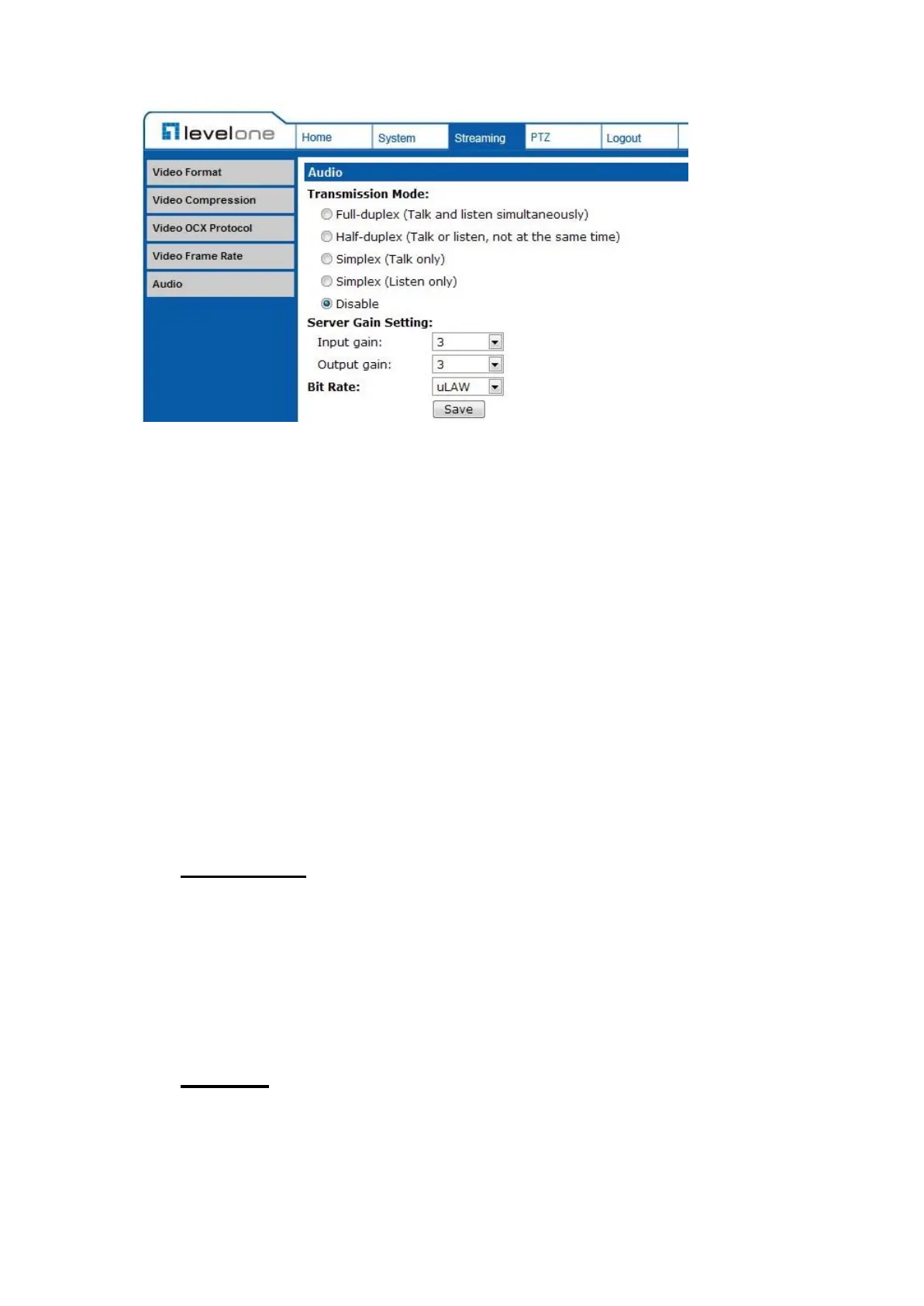
Click on <Save> to confirm the setting.
7.4 PTZ
Under the tab <PTZ>, there are categories including: <Preset>, <Cruise>,
<Auto Pan>, <Sequence>, <Home>, <Tilt Range>, <Camera- Exposure>,
<Camera- WB>, <Camera- Misc1>, <Camera- Misc2>, and <Camera- Default>.
7.4.1 Preset
The Preset Programming can be found under this path: PTZ> Preset.
Totally 256 Preset Points can be programmed for the IP Camera. Please refer to
the instructions below to set a Preset Point.
Preset Setting
To setup a Preset Point, please first move the cursor to the live view pane. Then
left click and drag the red pointer with PTZ controls to a desired position and
adjust the fine zoom/ focus ratio. Subsequently, assign a number for the current
position from the drop-down Number List (click on <PrePage> or <NextPage>
button to reach number 1 to 256), and enter its descriptive name. Click on the
button <Set> to save the settings mentioned above.
Preset Go
To have the camera move to a specified Preset position, please select the
Preset Point from the drop-down Preset list (click on <PrePage> or <NextPage>
button to reach preset number 1 to 256). Then the camera shall readily move to
the target position.















 To Next Page