28
7.2.2.3 IP Filter
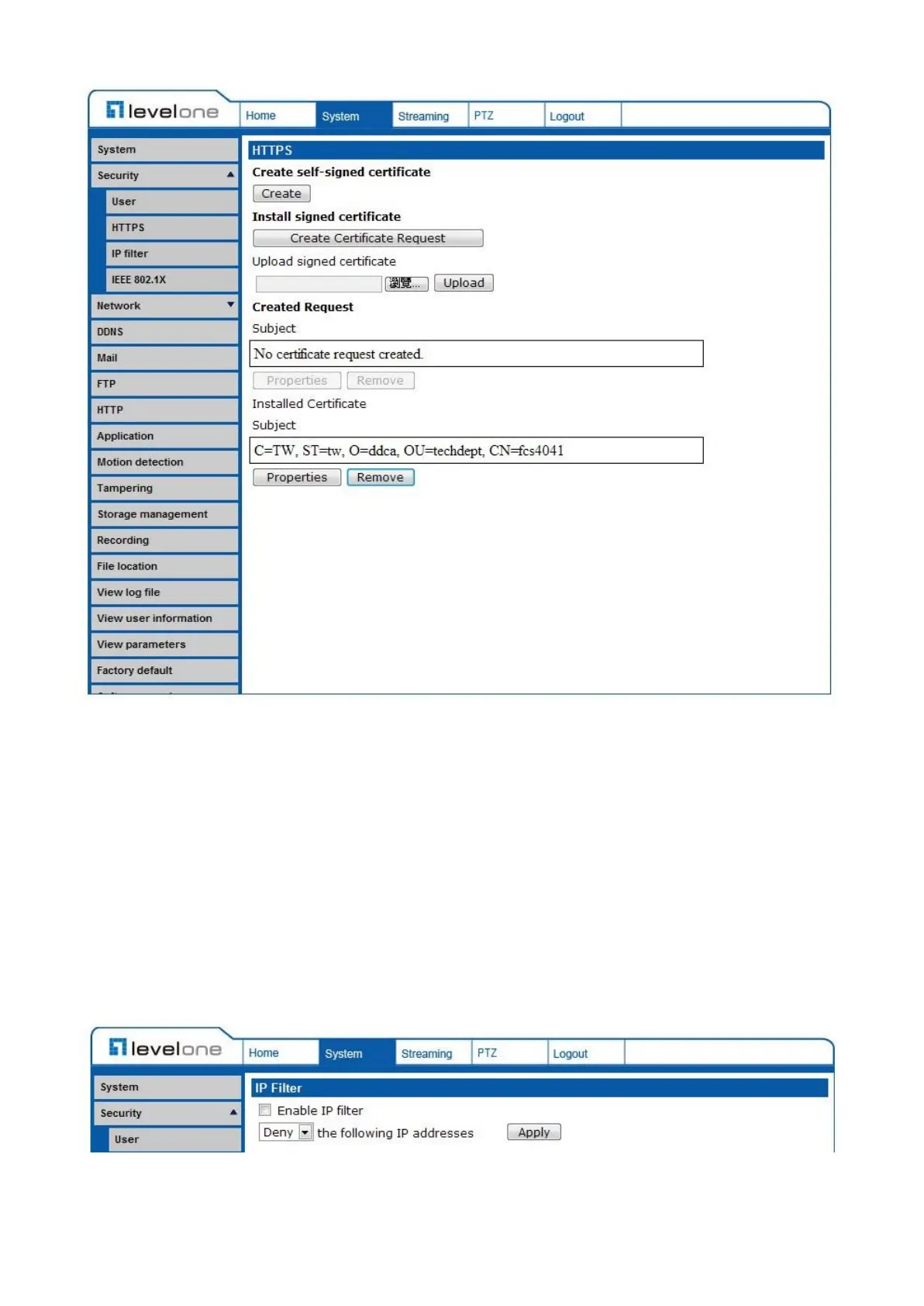
The IP Filter setting can be found under this path: System> Security> IP Filter.
Using the IP filter, access to the IP Camera can be restricted by
denying/allowing specific IP addresses.
Enable IP Filter
Check the box to enable the IP Filter function. Once enabled, the listed
IP addresses (IPv4) will be allowed/ denied access to the IP Camera.
Select <Allow> or <Deny> from the drop-down list and click on the
<Apply> button to determine the IP Filter behavior.















 To Next Page