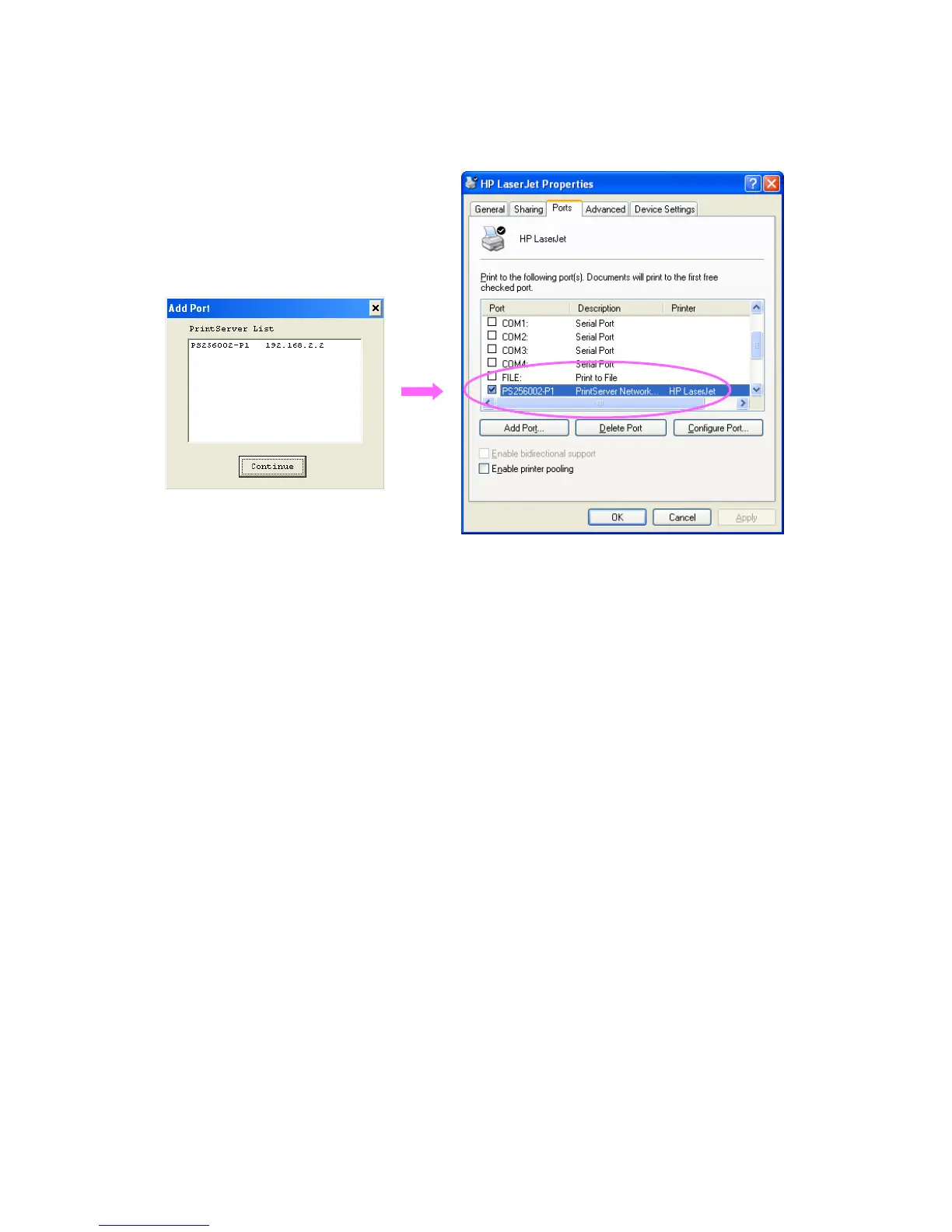
If you have just installed another new printer server in the network, you must run this program first.
This program will search for new printer servers and allow you to add the new network printer port
into client’s computer conveniently. Perform the standard Add Printer procedure, then you can
print directly to the printer through the newly installed printer server.
Select the network ports in the “Available Ports” list and click “>” to add ports. If you want to add all
available ports, please click “>>”. To cancel some of the network ports or all ports from the
“Chosen Ports” list, please click “<” or “<<” .
30



 To Next Page