3.5 Client Utilities
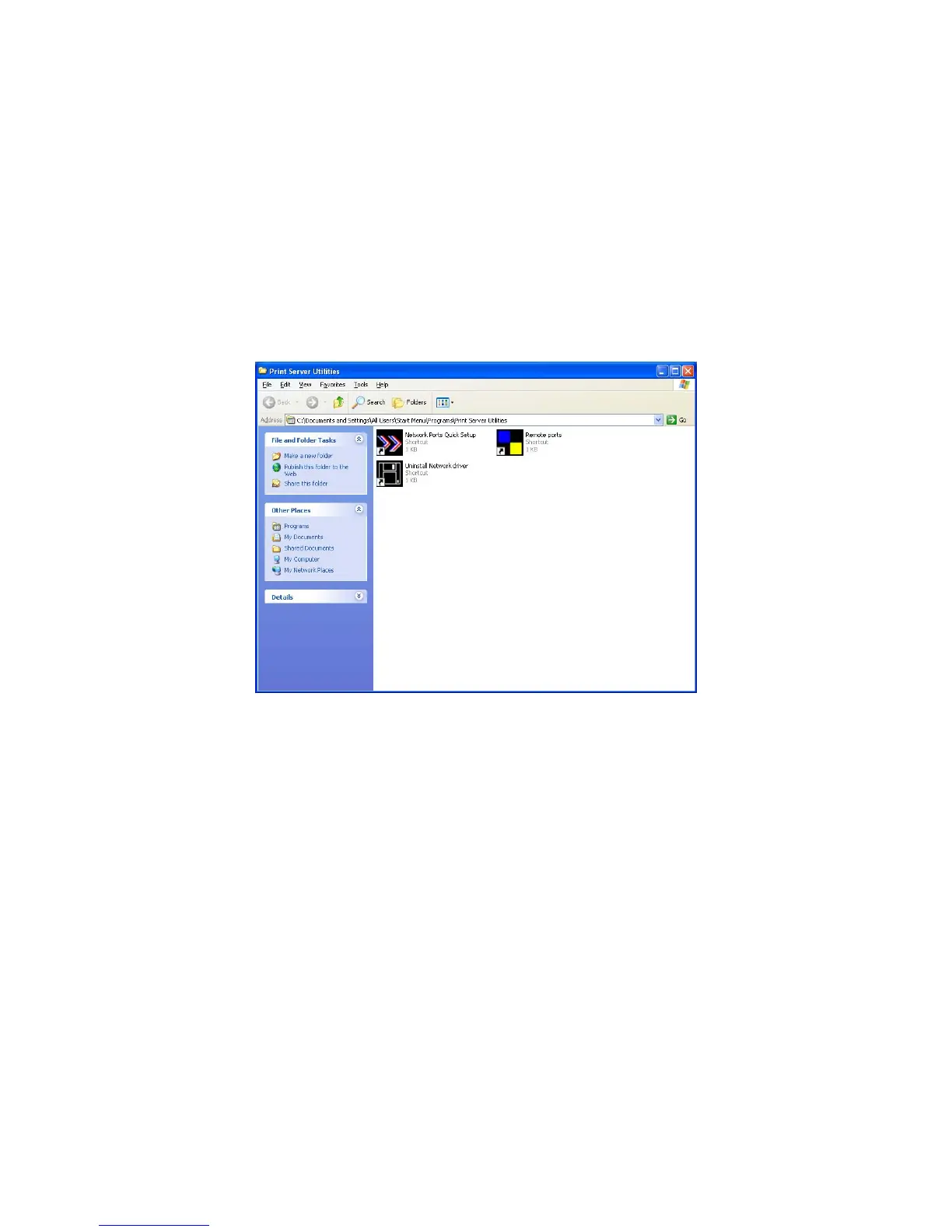
After Client Installation is completed, there will be three tools in printer server’s Program folder.
Network Ports Quick Setup
Remote Ports
Uninstall Network Driver
The Uninstall Network Driver will assist you in removing all installed client software. The other two
tools are described as follows.
3.5.1 Network Ports Quick Setup
Network Ports Quick Setup Utility offers a very simple method to add or remove printer server’s
printer port from the client’s computer.
During the client’s installation procedure, the system will automatically search for all printer servers
on the network, and add them into the printer ports of the client’s computer (see below).
Note: When you have followed the steps in Section 3.6 to add a new printer. You can right click the
printer from “Printer and Faxes” in the Windows and select “Properties” to see the figure in the left
side. Select “Ports” to check which network ports of printer servers have been added to your
computer.
29



 To Next Page