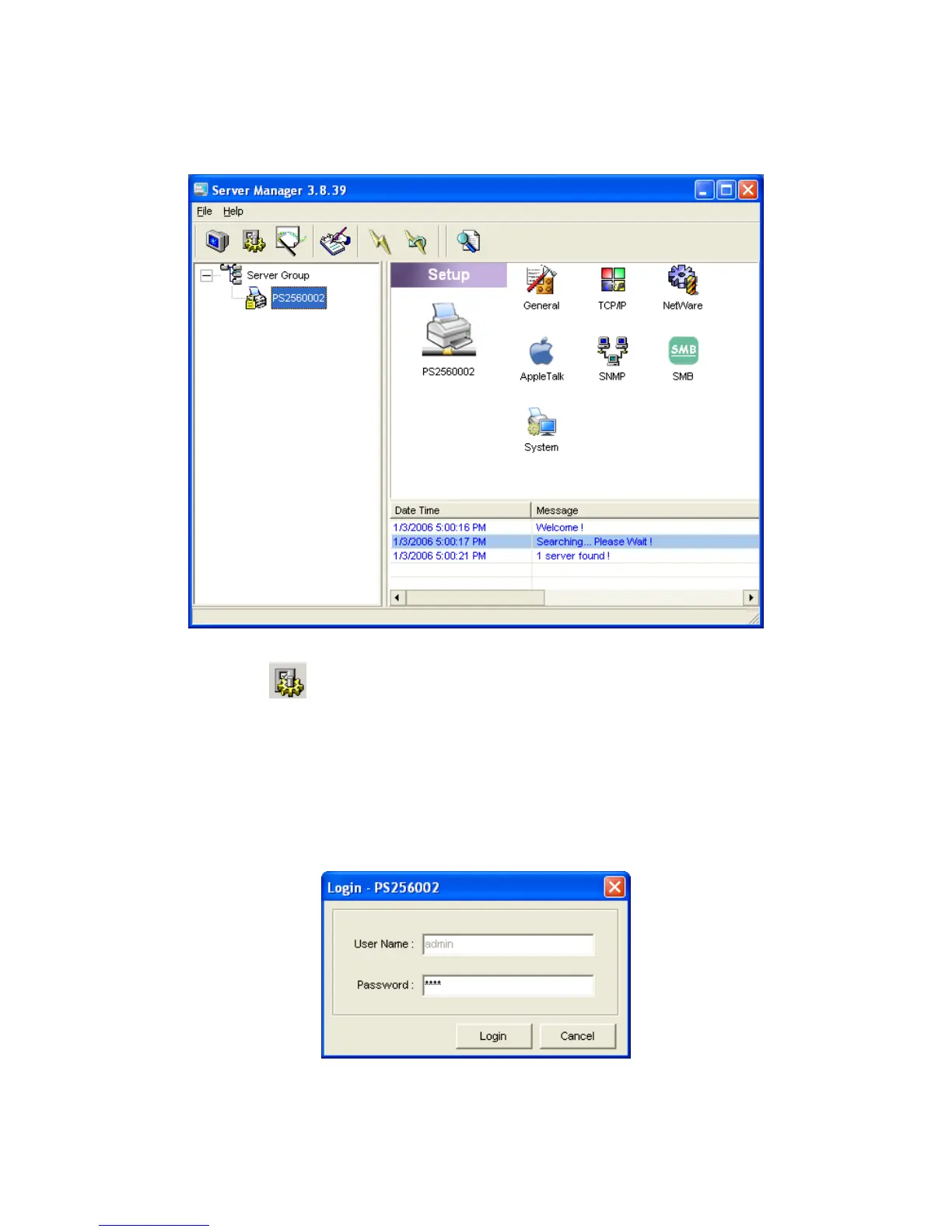
7.4 Setup the Printer server
Click “Setup” icon
on the tool bar, the setup items of the current selected printer server will
be showed on the right side of the window.
Double click one of the icons to set up the selected printer server. A screen will pop up to verify
“User Name” and “Password” of the printer server. The default values are as follows.
User Name: admin
Password: 1234
64



 To Next Page