5.2 NetWare 3.x/4.x/5.x Installation & Setup
Once your printer server is connected to your Ethernet network, you can set it up for use with your
networking software.
5.2.1 Installation Using PCONSOLE
5.2.1.1 Configuring as Printer server Mode
1. Run the NetWare PCONSOLE program.
2. Change the current file server, if necessary, using the Change Current File Server menu
selection.
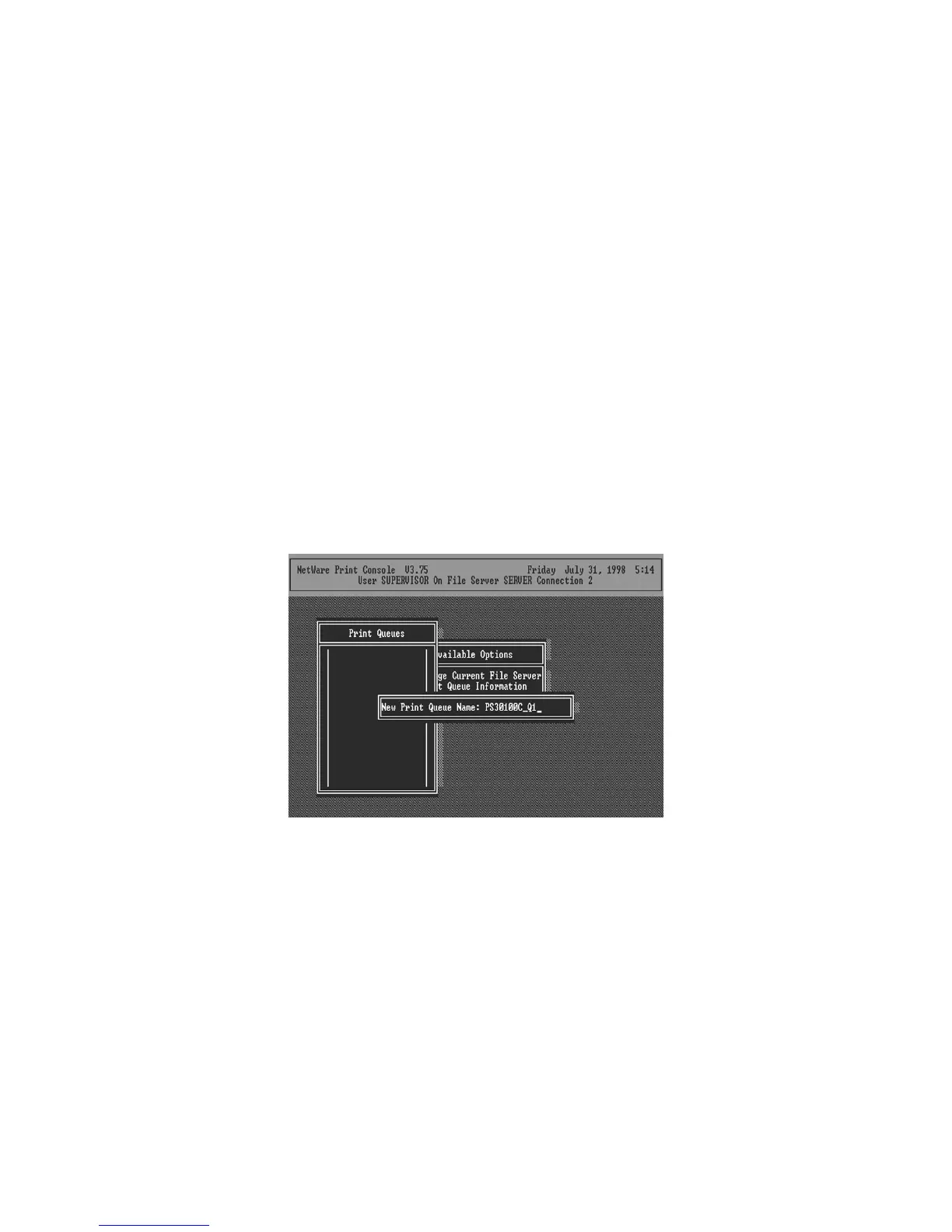
3. Choose the Print Queue Information menu selection.
4. Press the Insert key to add a new print queue.
5. Type in a print queue name, such as “PQ” or “Q1”.
6. You have now successfully created the print queue that your printer server will serve. Press
the Escape key until the Available Options main menu is displayed.
7. Select Printer server Information.
8. Press the Insert key to add a new NetWare printer server object. The printer server name can
be identical to the PSxxxxxx name printed on the label of the printer server.
49



 To Next Page