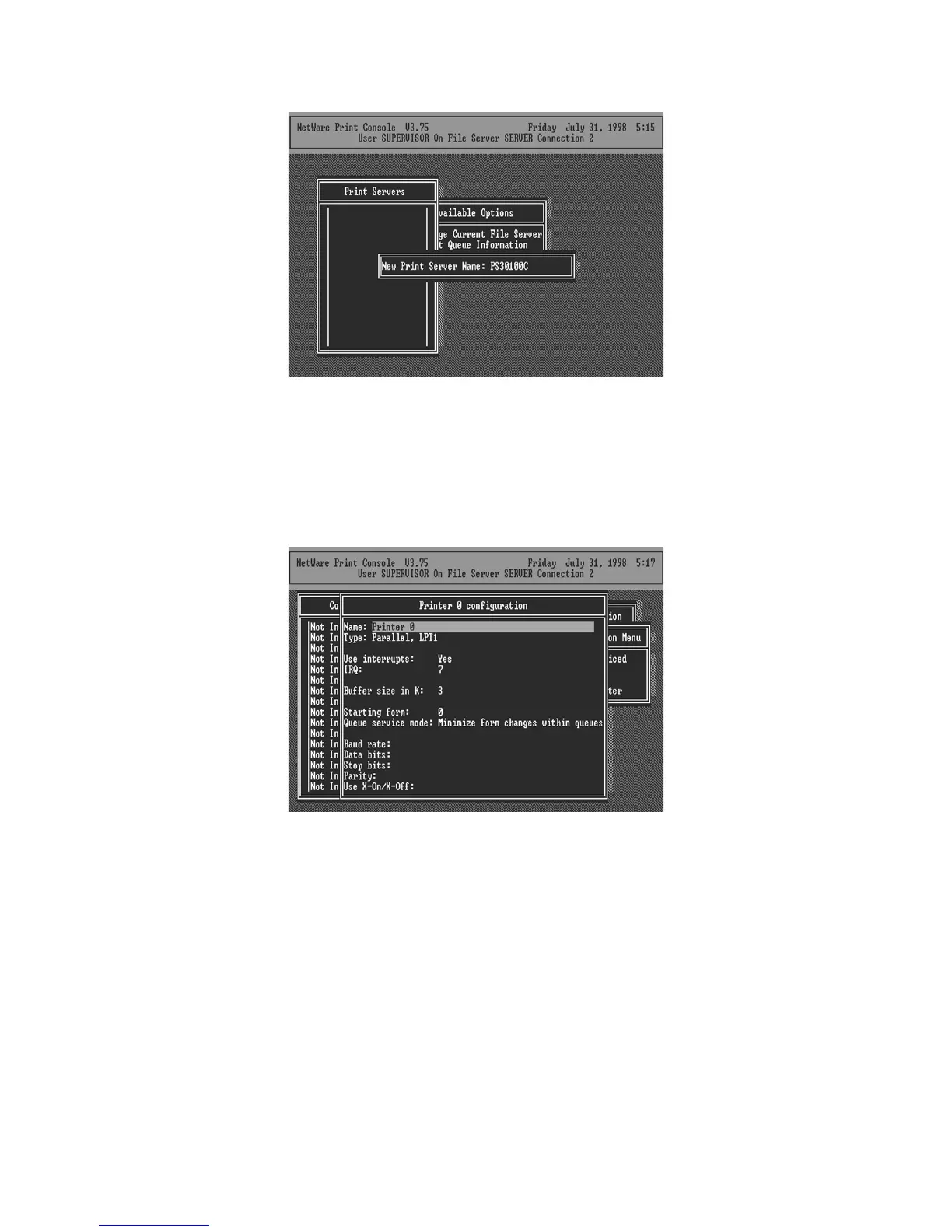
9. Press Enter to select the newly created printer server.
10. Select Printer server Configuration.
11. Select Printer Configuration.
12. Select Printer 0 (or Printer 1, Printer 2), and press Enter, then select LPT1 (or LPT2, LPT3) in
the Type field. If your printer server is with only one port, you do not need to configure this Type
field.
13. Press Escape, and answer Yes to the Save Changes question.
14. Select Queues Serviced by Printer, then select Printer 0 (or Printer 1, Printer 2) and press
Enter.
15. Press Insert and add your newly created print queue to the list of queues serviced by the
printer. Enter a priority number for the queue service, or press Enter to accept the default.
50



 To Next Page