8.4 Setup Wizard
8.4.1 System
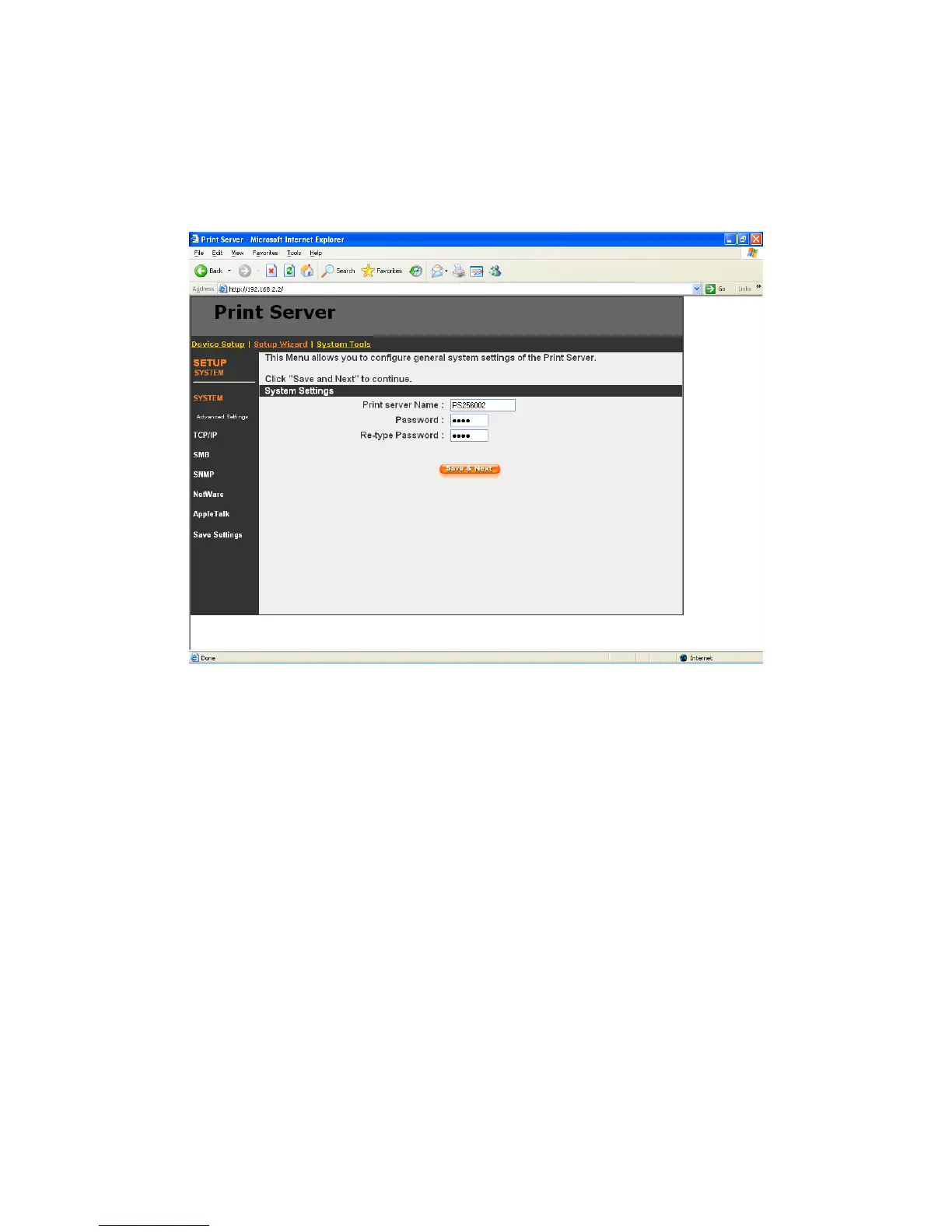
You can change the printer server name and password of the printer server from here.
Printer server Name, the name of the printer server. You can use this name to identify the printer
server when you are searching for the printer server by the administration and client utilities.
Password, enter the password you want to change to the printer server. The password can be up
to 7-digit alphanumeric format. The default password is “1234”.
Re-type Password, enter the password you want to change to the printer server again.
8.4.1.1 Advanced Settings
92



 To Next Page