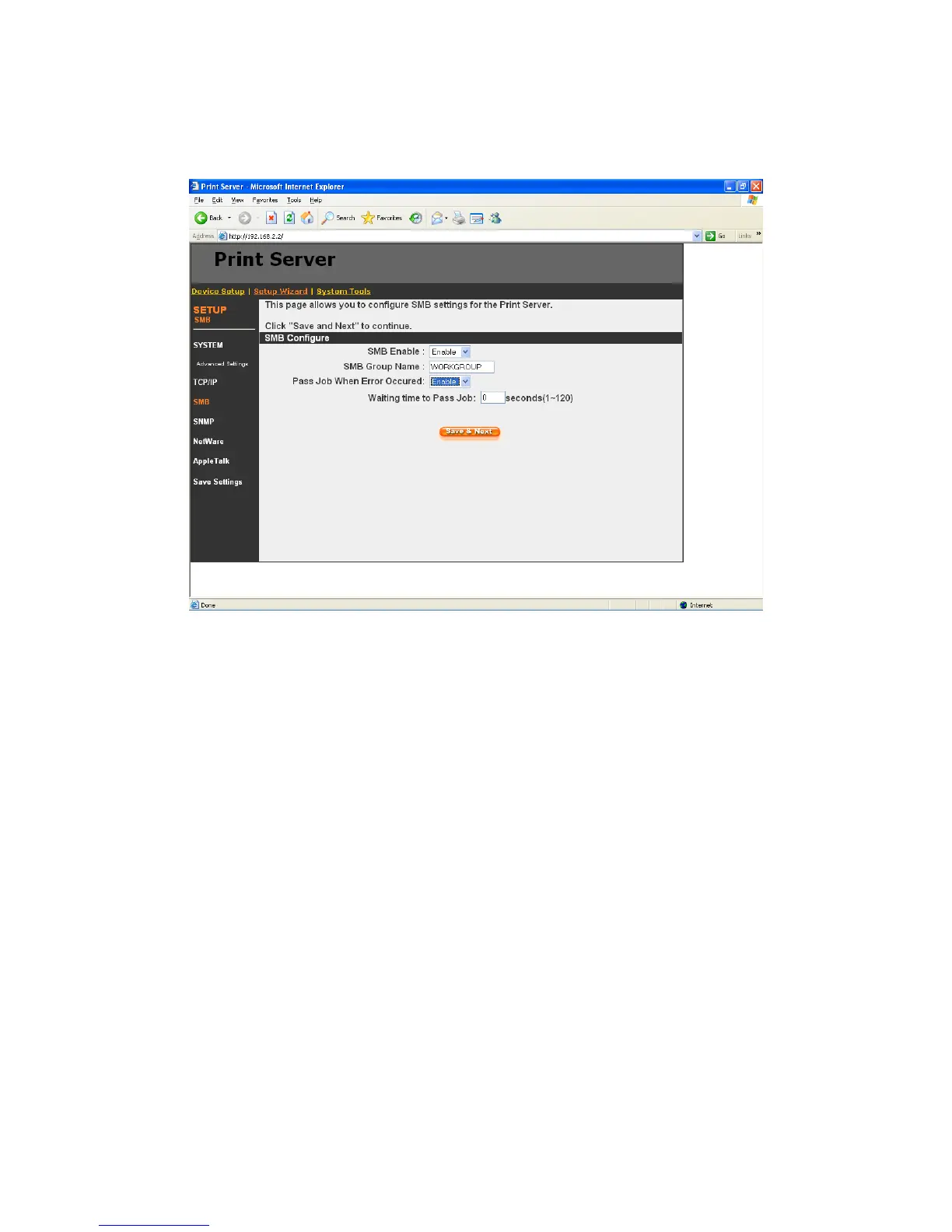
8.4.3 SMB
You can enable/disable the SMB protocol from here. If SMB is enabled, enter the “SMB Group
Name” to specify the SMB group that this printer server belongs to. All PC should join the same
group before they can use this printer server by SMB protocol.
“Pass Job When Error Occurred” is for you to set the interval time for bypassing the current
printing job in order to avoid the printing job is not printed completely while the printer is interrupted
unexpectedly because of paper out or off line.
95



 To Next Page