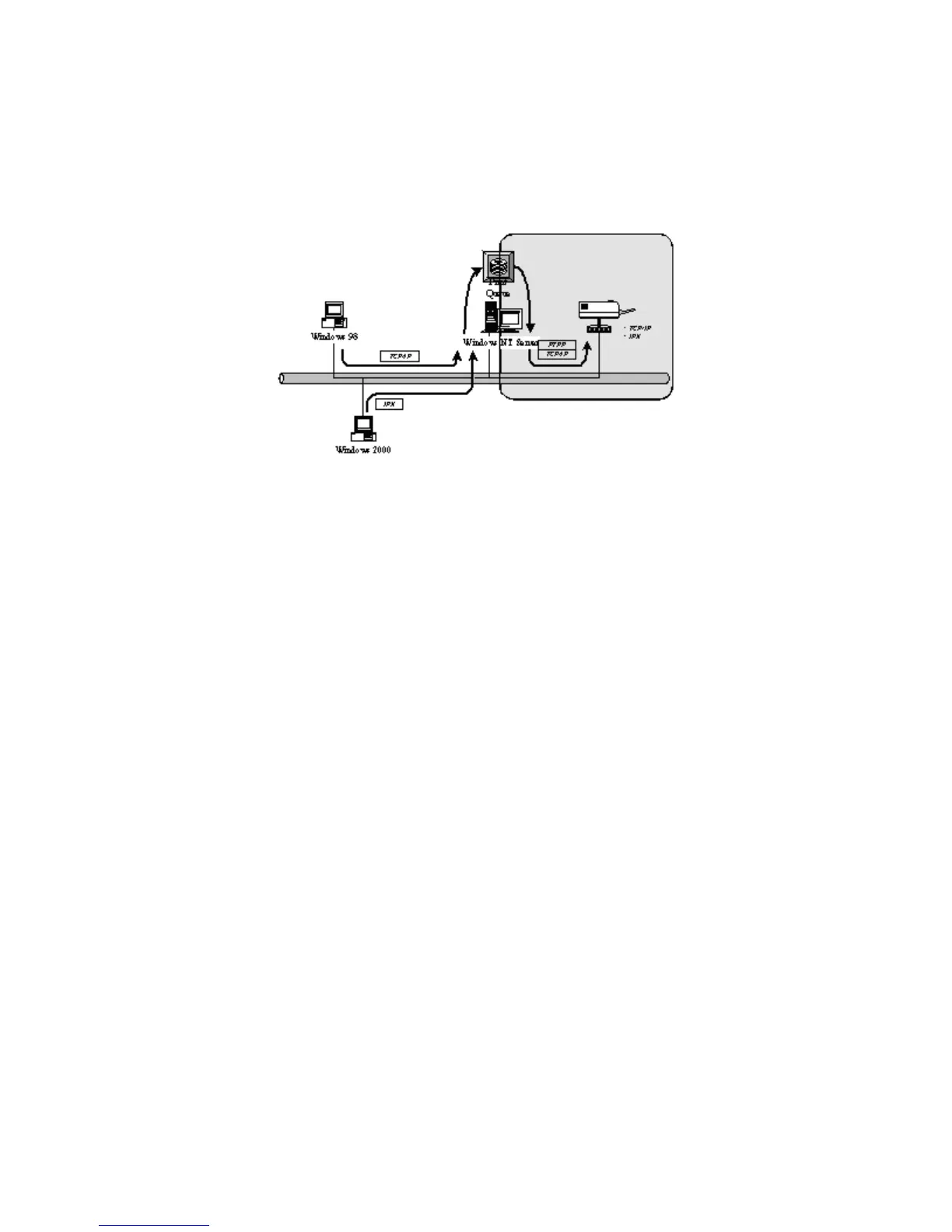
4.2 Windows 2000 Server Installation and Setup
Please follow the procedures described below for installation and construct a peer-to-peer
connection (PTPP) between Windows 2000 server and Printer server.
Step1.
If this is your first time installing printer server, please install the administrator software on
Windows 2000 server first. Refer to section 3.2 for installation instructions.
If your network has already installed a working printer server and your Windows 2000 server has
not yet installed the PTPP driver, please install the client software. Refer to section 3.4 and 3.5 for
installation instructions.
Step2.
Please add/configure the Peer-to-Peer Printing of the Windows 2000 network printer and verify
that you can print from Windows 2000 to the printer server by the installed PTPP driver.
Step3.
Share the above server’s printer to the network by performing the standard Windows printer
sharing process.
41



 To Next Page