7.6 TCP/IP Configuration
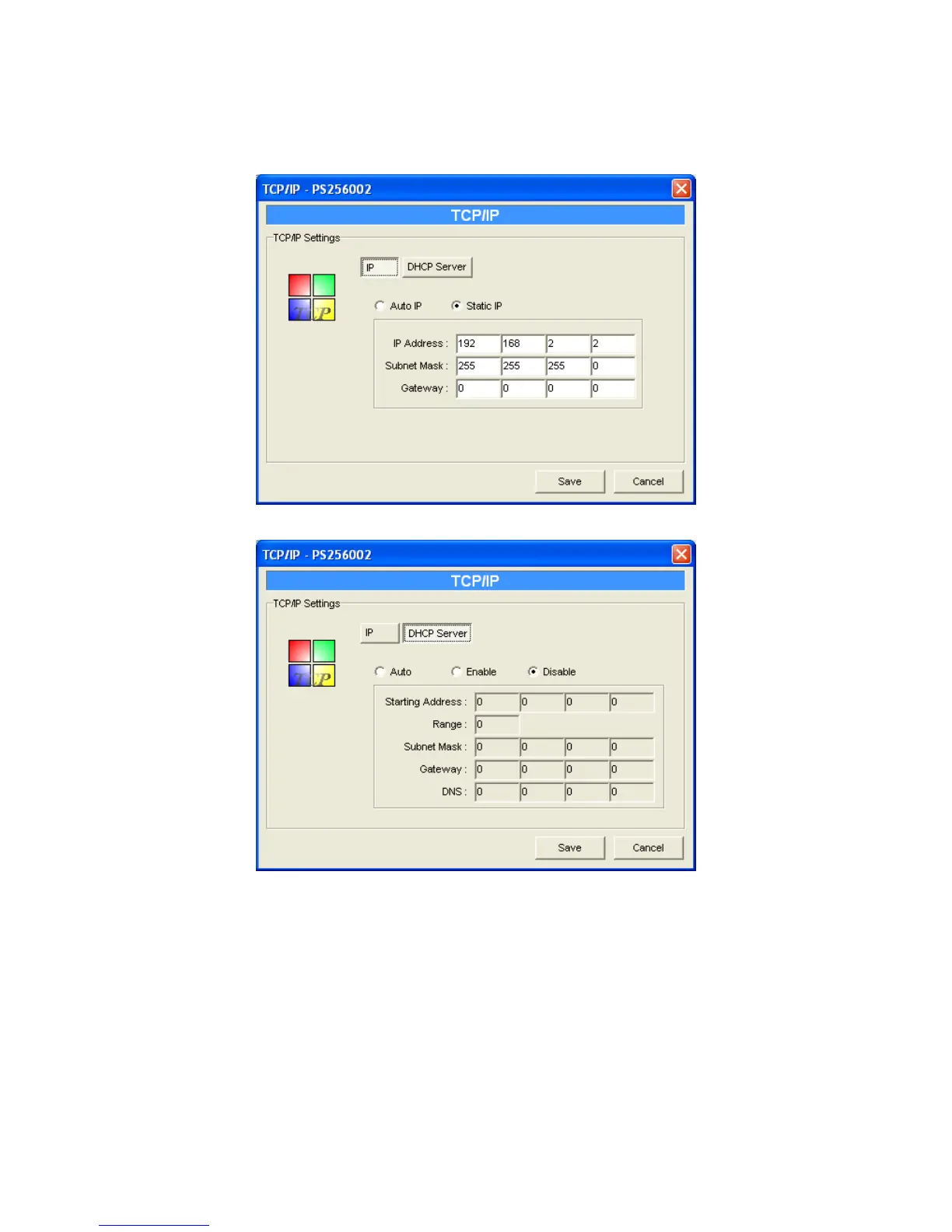
Double Click “TCP/IP” icon and the TCP/IP configuration window will pop-up.
You can configure the printer server to automatically get IP from DHCP server or manually specify
static IP. The printer server also has a built-in DHCP server. You can enable this DHCP server and
let it manages IP for you.
Click the “IP” button to enter the IP setting page. If you need the printer server to automatically get
an IP from DHCP server, select “Auto IP”. You also can select “Static IP” to manually assign “IP
Address”, “Subnet Mask” and “Gateway” for the printer server.
Click the “DHCP Server” button to enter the DHCP server’s setting page. You can
66



 To Next Page