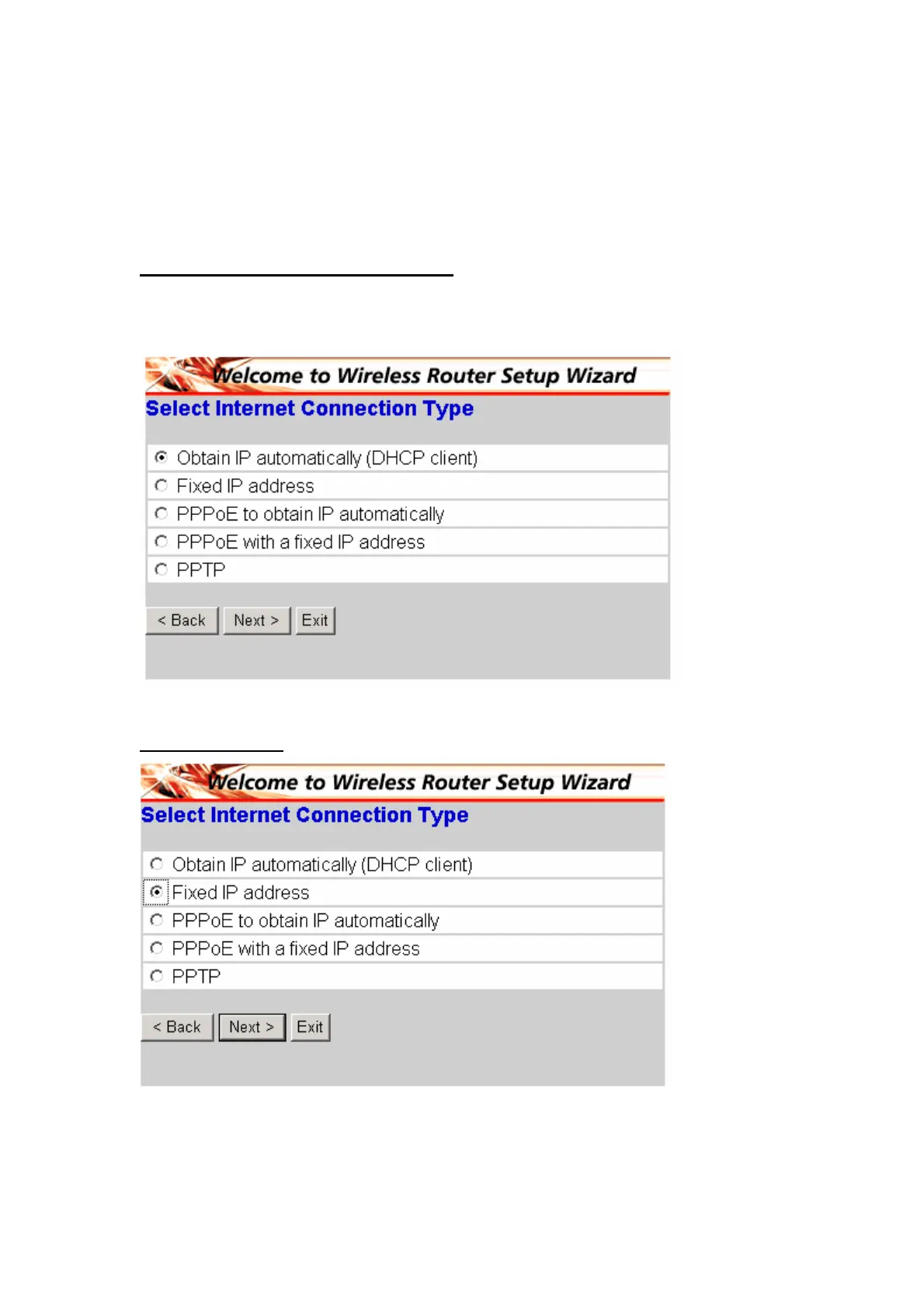
Step 4: Set Internet connection
Select how the router will set up the Internet connection: Obtained IP automatically;
Fixed IP address; PPPoE to obtain IP automatically; PPPoE with a fixed IP address;
PPTP.
Obtain IP automatically (DHCP client):
If you have enabled DHCP server, choose "Obtain IP automatically (DHCP client)" to
have the router assign IP addresses automatically.
Fixed IP Address:
If Fixed IP address is assigned, the below screen will pop up. Please set the WAN
address and DNS server.
10



 To Next Page