Add: Click to add the configuration to the static IP address table at the bottom of the
page.
Update: Select one of the entries in the static IP address table at the bottom of the
page and, after changing parameters, click Update to confirm the changes.
Delete: Select one of the entries in the static IP address table at the bottom of the page
and click Delete to remove the entry.
New: Click New to clear the text boxes and add required information to create a new
entry.
3.4.2 Dynamic
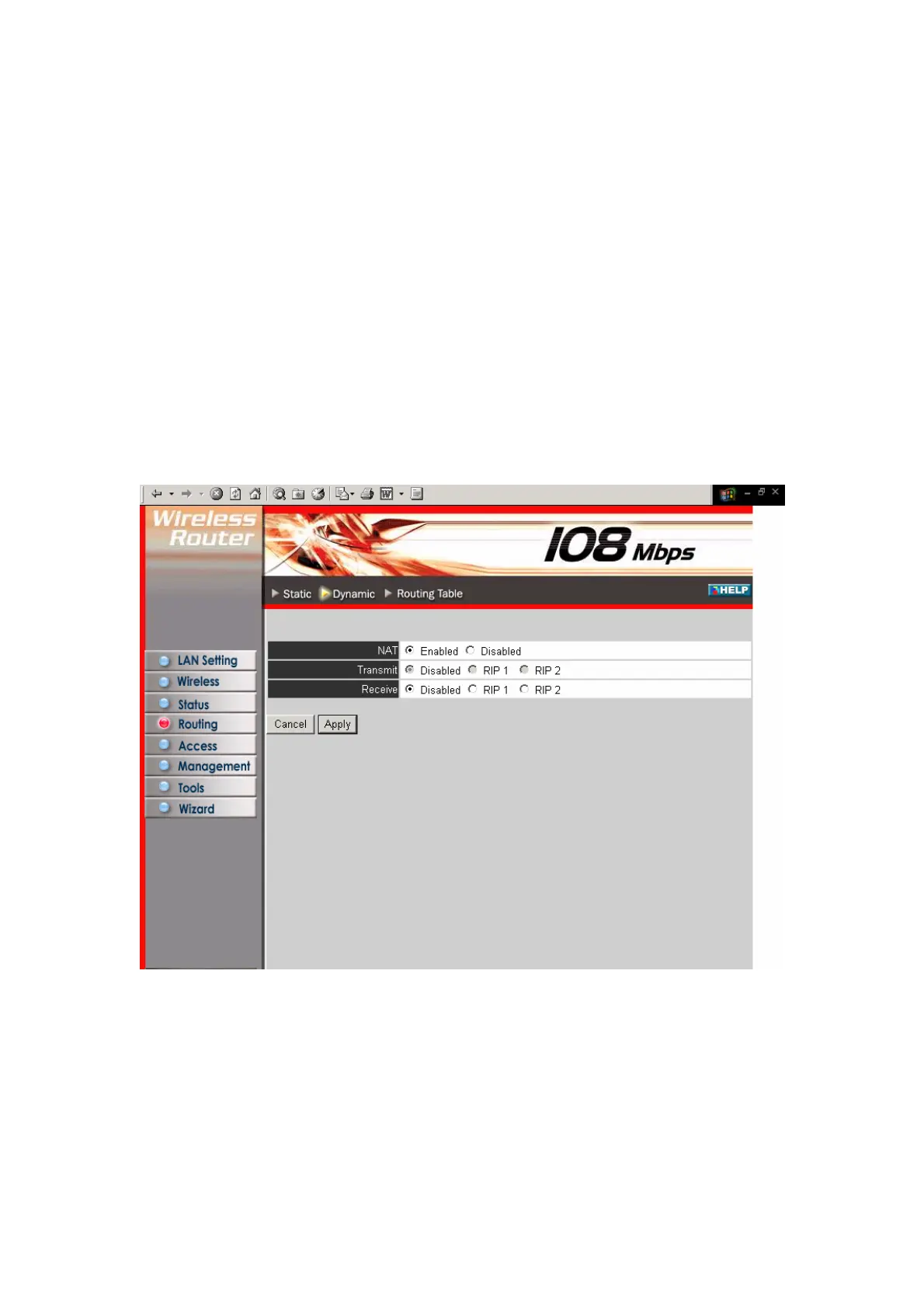
This screen enables you to set NAT parameters.
NAT: Click the radio buttons to enable or disable NAT.
Transmit: Click the radio buttons to set the desired transmit parameters, disabled,
RIP 1, or RIP 2.
Receive: Click the radio buttons to set the desired transmit parameters, disabled, RIP
1, or RIP 2
33



 To Next Page