LEDs:
LED Status Description
On Indicates proper connection to power supply.
Power
OFF The unit is not receiving power
Status
On
Indicates that the device is
connected to the WLAN.
Indicates connection to the WAN port
WAN
Blinking Data transmission.
Link is established
Blinking Packet transmit or receive activity
WLAN
— No Link activity
Indicates connection is established.
Blinking Data transmissions
LAN
— No LAN connections
2.2 Connect to the 11g Wireless Router
2.2.1 Access the Setting Menu
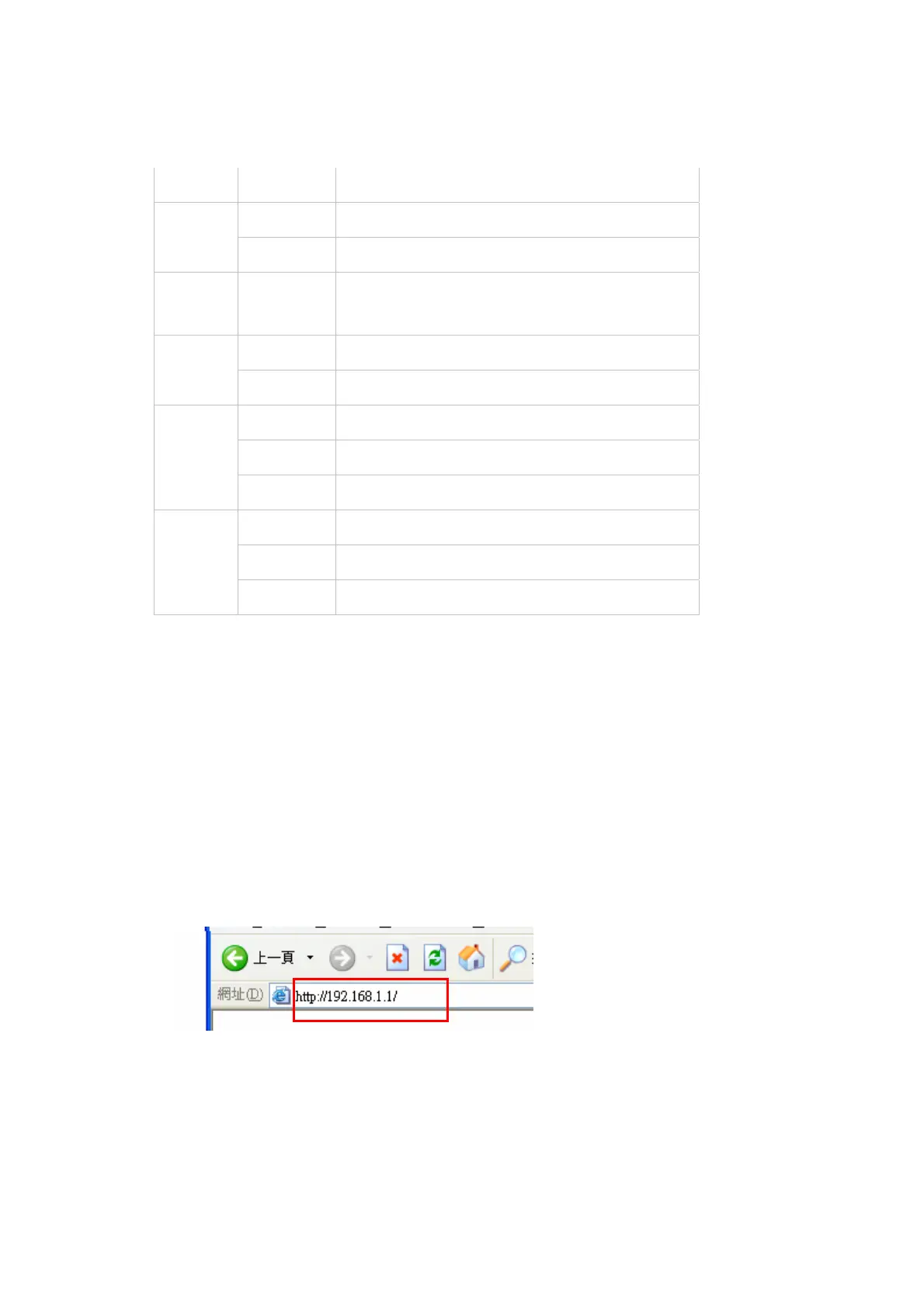
You could start to access the configuration menu anytime by opening a web browser
window by typing the IP address of this wireless router. The default IP is
192.168.1.1.
The below window will popup. Please enter the user name and password. Both of
the default is “admin”.
6



 To Next Page