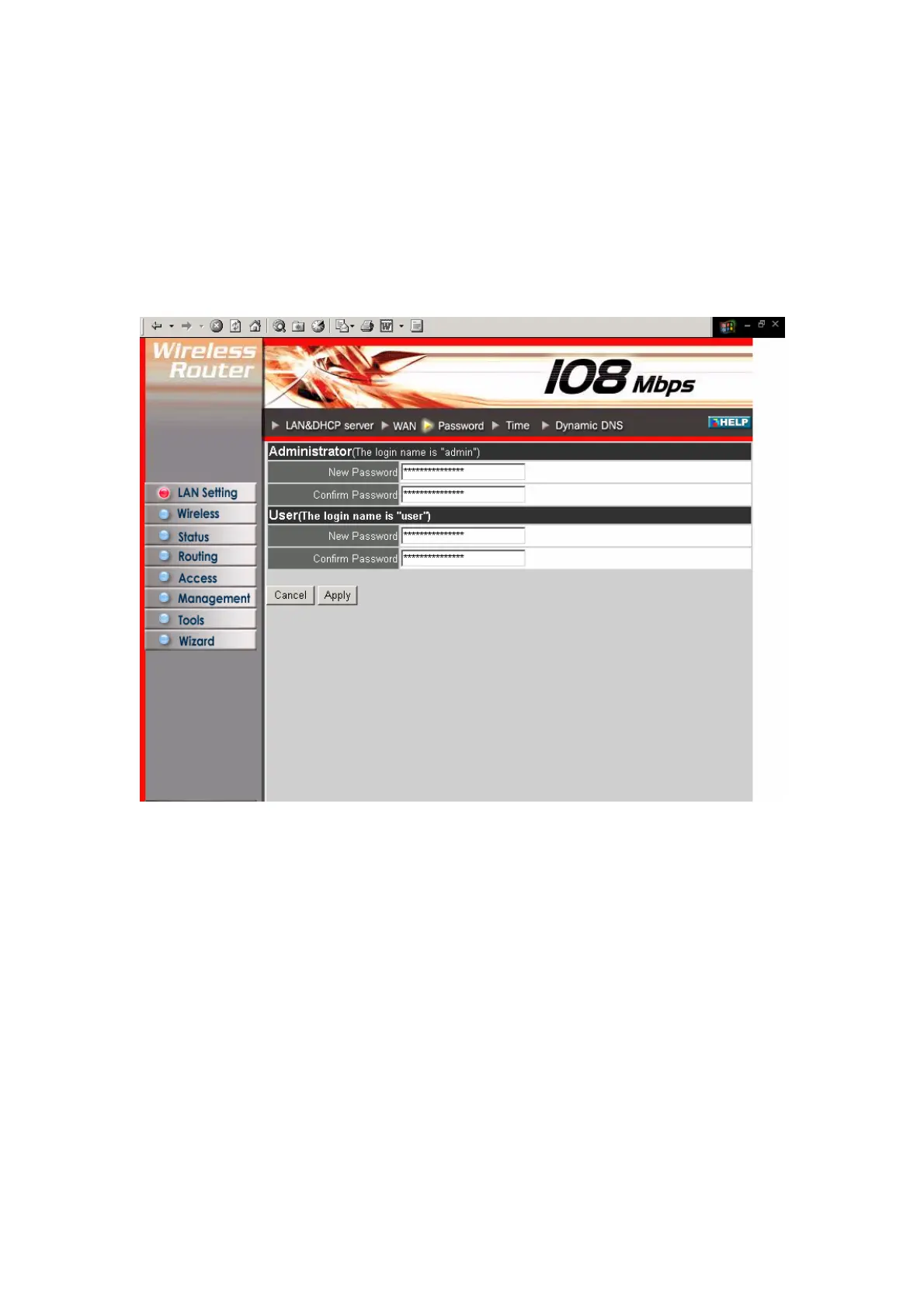
3.1.3 Password
This screen enables you to set administrative and user passwords. These passwords
are used to gain access to the router interface.
Administrator: Type the password the Administrator will use to log in to the system.
The password must be typed again for confirmation.
3.1.4 Time
This screen enables you to set the time and date for the router's real-time clock, select
your time zone, and enable or disable daylight saving.
18



 To Next Page