MAC Address: Type the MAC address of the user's network interface.
Add: Click to add the user to the list at the bottom of the page.
Update: Click to update information for the user, if you have changed any of the
fields.
Delete: Select a user from the table at the bottom of the list and click Delete to
remove the user profile.
New: Click New to erase all fields and enter new information.
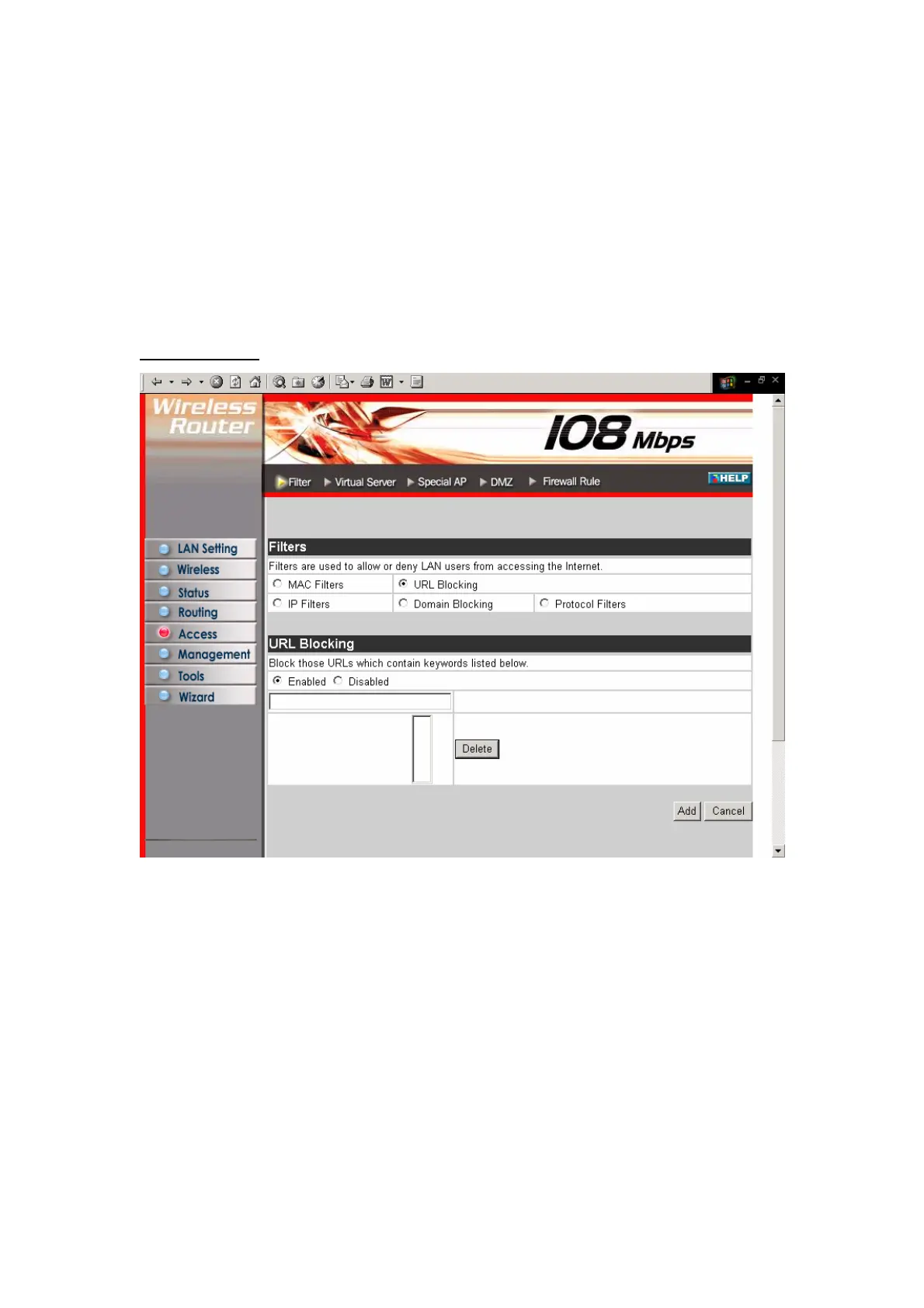
URL Blocking:
You could enable URL blocking to deny the users from accessing the specified URL.
Add those specified URL in the text box.
36



 To Next Page